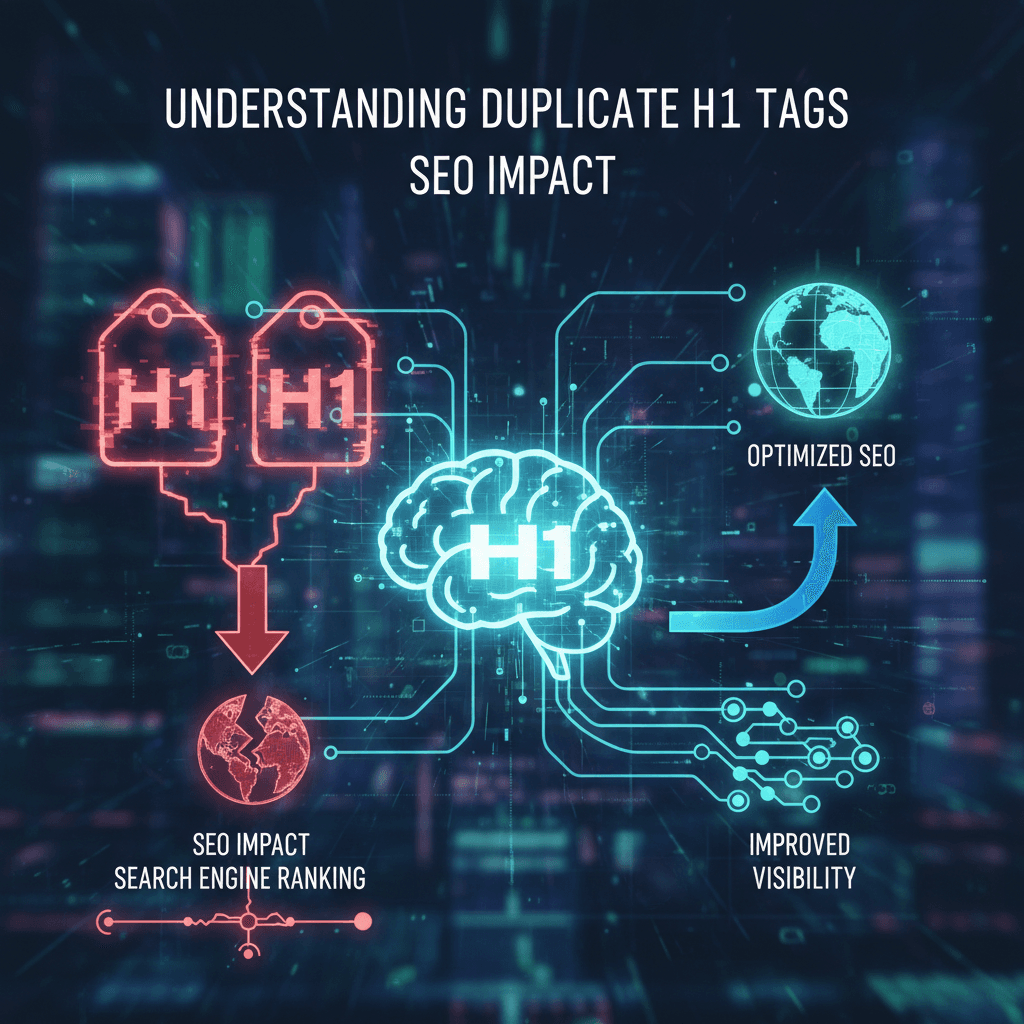
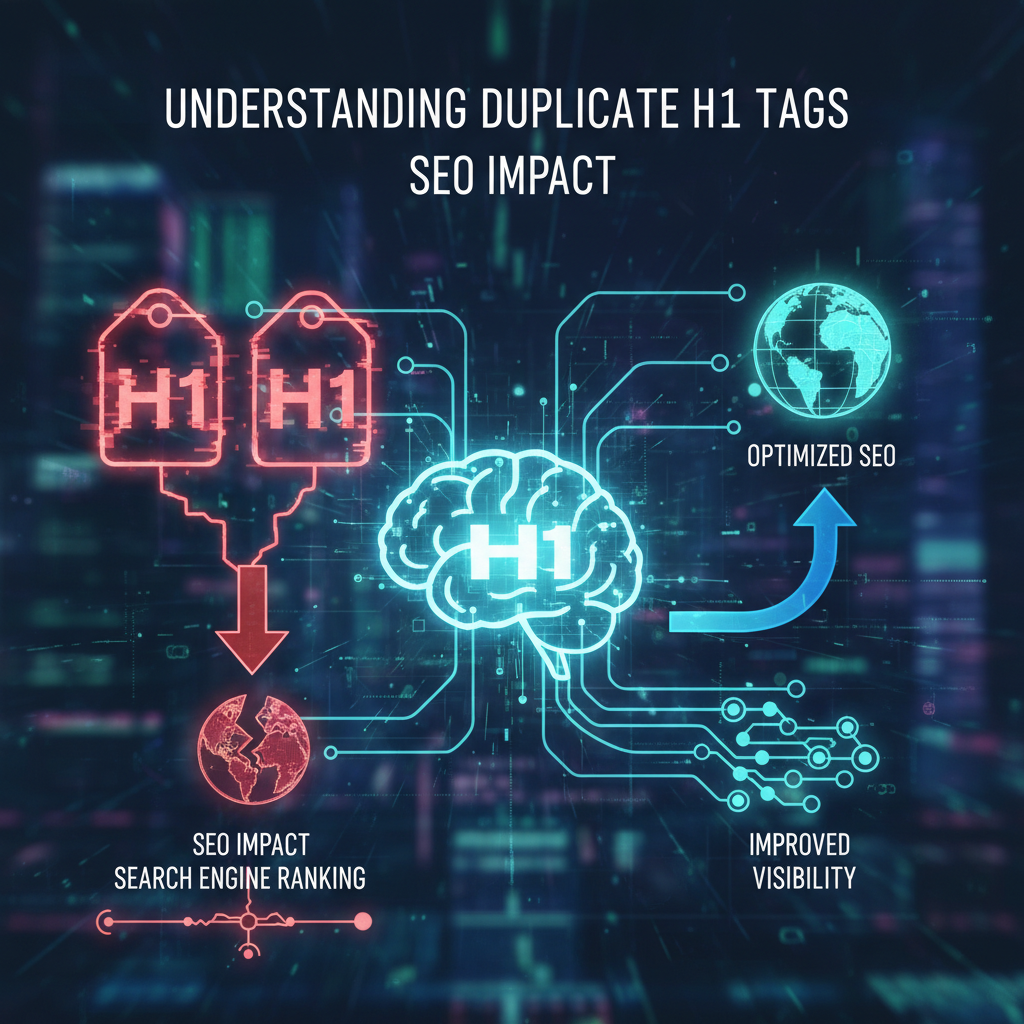
Understanding Duplicate H1 Tags and SEO Impact
What constitutes a duplicate H1 tag?
Duplicate H1 tags occur when multiple pages on a website share the exact same text within their primary heading element (<h1>), or when a single page contains multiple identical H1 tags. In the context of site-wide SEO, the most damaging form is cross-page duplication, where distinct URLs—such as an "About" page and a "Contact" page—both utilize a generic H1 like "Welcome" or "Services." This signals to search engines that these pages cover the same topic, which dilutes the topical authority of each individual page. According to Moz's analysis of on-page factors, the H1 tag serves as a critical relevance signal, and failing to make it unique forces search engines to guess which page is the canonical source for that keyword.
Why do duplicate H1s harm search rankings?
Search engines struggle to assign correct ranking value to pages that lack distinct semantic markers. When two pages share an H1, they effectively compete for the same keyword relevance, a phenomenon often called keyword cannibalization. A 2022 Ahrefs study of 1 million pages found that pages with unique H1s ranked 15% higher on average for their target keywords. Furthermore, accessibility is severely compromised; screen readers rely on unique headings to navigate content. As noted by the Bureau of Internet Accessibility, duplicate headings across pages can confuse users relying on assistive technology, failing WCAG 2.1 Success Criterion 2.4.6.
The Difference Between Duplicate and Multiple H1 Tags
Can you have multiple H1 tags on one page?
The HTML5 specification permits multiple H1 tags on a single page provided they are nested within distinct sectioning elements like <article> or <section>, though this is distinct from the issue of duplicate content. While the W3C allows this structure, Google's John Mueller has stated that while their systems can handle multiple H1s, a single H1 remains the most robust way to signal a page's core topic. The confusion often lies between structural multiplicity (valid but risky) and content duplication (always bad).
We typically advise sticking to one unique H1 per URL to maximize signal clarity. Greenlane Marketing emphasizes that while HTML5 changed the technical rules, the SEO best practice of a single, powerful headline remains unchanged for clear indexing.
Feature | Duplicate H1s (Cross-Page) | Multiple H1s (Single Page) |
|---|---|---|
Definition | Same text on different URLs | Multiple |
SEO Impact | High Negative (Cannibalization) | Neutral/Slight Negative (Dilution) |
User Impact | Confusing navigation | Potential structural confusion |
Fix Priority | Critical | Moderate |
Example | 50 pages titled "Shop Now" | One page with 3 |
How to Find Duplicate H1 Tags on Your Site
Which tools identify heading issues efficiently?
Automated crawling tools are the only scalable way to identify duplicate H1 tags across hundreds or thousands of pages. Manual checking is impossible for anything beyond a brochure site. We recommend using a crawler that hashes the text content of H1 tags to find exact matches.
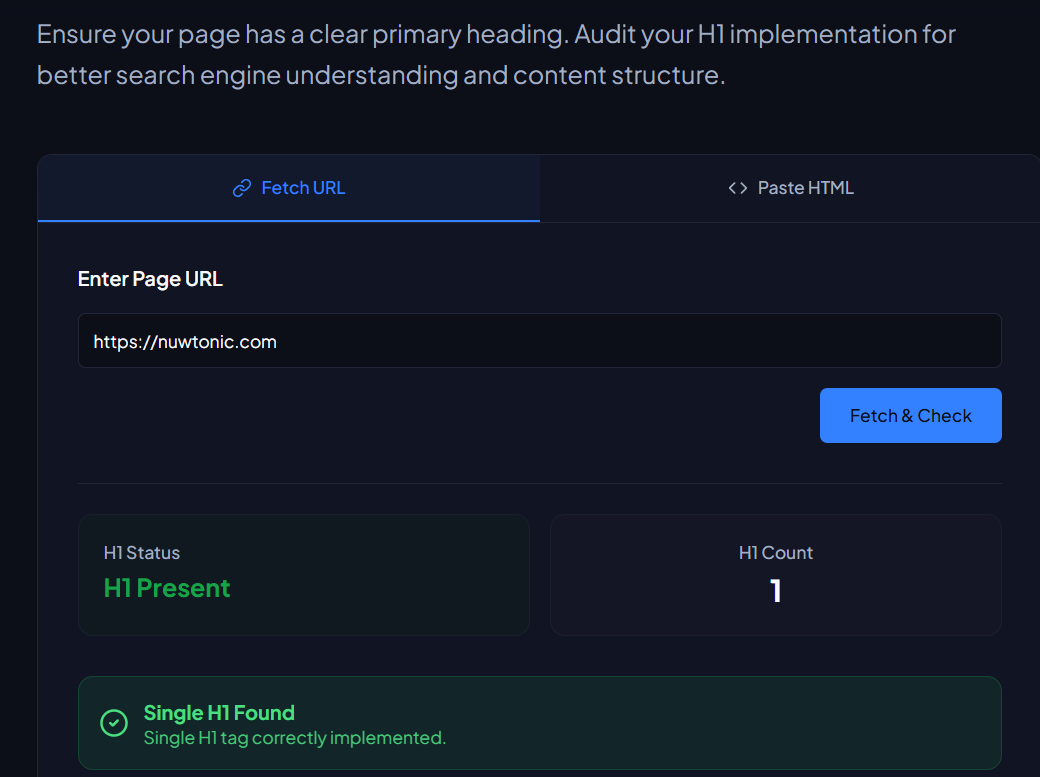
For a quick check of individual pages or small batches, you can use our H1 Tag Checker to instantly validate if a specific page is rendering the H1 you expect. For site-wide audits, tools like Screaming Frog or Lumar (formerly DeepCrawl) will generate a "Duplicate H1" report. You should look for clusters of pages sharing generic terms like "Home," "Category," or "Blog Post."
How to interpret audit data?
Audit reports generally group URLs by the hash of their H1 text. If you see a group of 50 URLs all sharing the H1 "Archives," you have identified a template-level issue. This usually means your CMS is defaulting to the page type name rather than pulling a unique variable. Interpreting this data requires distinguishing between empty H1s (missing) and duplicate H1s; the fix for duplicates involves rewriting or reprogramming the template logic.
Step-by-Step Guide: How to Fix Duplicate H1 Tags
How do I rewrite boilerplate H1s?
Boilerplate H1s must be replaced with descriptive, keyword-rich headings that reflect the unique content of the specific page. If your "Contact" and "Support" pages both use the H1 "Get in Touch," rewrite them to "Contact Our Sales Team" and "Customer Support Center" respectively. This simple change clarifies the intent for Google.
Actionable Rewrite Logic:
Identify the Core Topic: What is the unique value of this specific URL?
Add Specificity: Move from generic (e.g., "Services") to specific (e.g., "SEO Auditing Services").
Incorporate Keywords: Ensure the primary target keyword for that page is present naturally.
How should e-commerce category pages be handled?
E-commerce platforms often generate duplicate H1s for paginated series or filtered views (e.g., "Mens Shoes" on page 1, 2, and 3). The best practice is to append dynamic variables to the H1 tag. For paginated pages, the H1 should remain consistent, but the <title> tag and rel="prev/next" (or self-referencing canonicals) usually handle the uniqueness. However, for facet filters that are indexable, you must programmatically update the H1.
Bad: H1 = "Running Shoes" (on Blue, Red, and Size 10 pages)
Good: H1 = "Blue Running Shoes" (on the color filter page)
How to fix WordPress theme duplicates?
WordPress themes sometimes hardcode H1 tags in header.php or page.php files, causing every page to display the site title as the H1. To fix this, you generally need to edit the theme file to call the_title() within the <h1> tags instead of a static string.
Common WordPress Fix:
• Locate the file: Usually single.php, page.php, or header.php.
• Find the code: Look for <h1>Static Text</h1>.
• Replace with dynamic PHP: Change it to <h1><?php the_title(); ?></h1>.
Verifying Your H1 Fixes for Maximum Impact
How do I confirm the H1 is unique?
Verification requires re-crawling the specific URLs to ensure the HTML now renders the unique text string intended. After applying fixes, you should not rely solely on your visual check, as caching plugins may still serve the old version to crawlers.

Using a tool to fetch the live DOM is essential. As shown above, a proper audit will extract the exact text string. Paperstack advises that consistent monitoring of these tags is crucial after any theme update or CMS migration. Once verified, request indexing in Google Search Console to speed up the reflection of these changes in SERPs.
Frequently Asked Questions
Do duplicate H1 tags affect Core Web Vitals?
Duplicate H1 tags do not directly impact Core Web Vitals scores like LCP or CLS, but they are often symptomatic of poor template coding which does affect performance. However, if your duplicate H1 is a massive hero element that loads slowly across all pages, fixing the template could inadvertently improve your LCP.
How long should an H1 tag be?
H1 tags should generally be between 20 and 70 characters to be concise yet descriptive. While there is no technical character limit in HTML, extremely long H1s dilute the keyword signal and can push main content below the fold, negatively impacting user experience.
Is it okay to duplicate the Title Tag in the H1?
Matching the H1 tag to the Title Tag is standard practice and often recommended for consistency. While they don't need to be character-for-character identical, they should convey the same message. The Title Tag is for the SERP snippet, while the H1 is for the on-page user experience.