
We are launching on AppSumo soon. Join the waitlist to get first access to our best lifetime deal, plus an additional insane early-bird bonus offer.
- Early deal-live alert so you can act before the crowd
- Priority onboarding request link for faster time-to-value
- Exclusive Week-1 SEO and GEO execution checklist
Founder-list bonuses are limited and sent only to confirmed subscribers. No spam. We only send launch updates and deal access details.
Free Alt Text Checker
Instantly audit your website's image accessibility and SEO. Find missing alt attributes that could be hurting your search visibility.
The Role of Alt Text in Image SEO
Alt text (alternative text) serves two critical purposes: it helps search engines understand what an image depicts for indexing, and it ensures accessibility for visually impaired users. Without it, your images are invisible to Google's crawlers.
Recommended guides
Use these guides to fix the issues you found and improve your SEO performance.
Why Use Our Alt Text Audit Tool?
Nuwtonic's Alt Text Checker provides a comprehensive view of your image metadata. We don't just find missing tags; we identify empty attributes and duplicate descriptions that can confuse search engines and screen readers.
What is an Alt Text Checker?
An alt text checker is a specialized SEO tool that crawls a webpage to analyze the '<'img'>' tags. It reports on whether the 'alt' attribute is present, if it contains text, and if that text is unique across the page.
How to Audit Your Image Alt Text
Enter a page URL or paste your HTML markup.
Run the check to scan all images on the page.
Review the report for missing or empty alt values.
Update your code or CMS with descriptive, keyword-rich alt text.
Understanding Your Audit Results
Alt text present
The image includes a non-empty alt attribute, which is good for SEO.
Missing alt text
The '<'img'>' tag lacks an alt attribute entirely. This should be fixed immediately.
Empty alt text
The alt attribute exists but is blank. This is only acceptable for decorative images.
Duplicate alt text
Multiple images use the same description, which reduces SEO clarity.
Alt Text SEO FAQ
How long should alt text be?
Keep it descriptive but concise. Most SEO experts recommend under 125 characters, as screen readers may stop reading after that.
Should I use keywords in alt text?
Yes, but avoid keyword stuffing. Describe the image naturally and include your target keyword if it's relevant to the visual.
Do decorative images need alt text?
Purely decorative images should have an empty alt attribute (alt="") to tell screen readers to skip them.
Does alt text help Google Image search rankings?
Absolutely. Alt text is the primary way Google understands image content, making it essential for ranking in image search results.
What happens if I don't have alt text?
You miss out on image SEO traffic, and your site becomes less accessible, which can negatively impact your overall search reputation.
How do I fix missing alt text in WordPress?
You can add alt text through the Media Library or directly in the block editor for each image you place on a page.
Try our other free SEO and AI tools
We have gathered some of our free tools that might help you in your SEO efforts.
Filter what tools to see
Free Meta Title Generator
Generate high-CTR title tags optimized for Google search results using AI-driven templates.
Free Keyword Clustering Tool
Group related keywords into clear topic clusters and build a stronger topical SEO plan.
AI Overview Keyword Finder
Detect keywords that trigger AI overviews and assess citation opportunities with volatility signals.
Low Competition Keyword Finder
Find weak SERPs, forum-heavy opportunities, and keywords where lower-authority sites can still win.
Reddit Keyword Finder
Extract recurring questions, pain points, and buying intent patterns from Reddit and forums.
Question Keyword Tool
Find FAQ-style keywords and common user questions.
Buyer Intent Keyword Finder
Specifically filters for commercial and transactional keywords.
Zero Search Volume Keyword Finder
Uncovers emerging or hidden keywords that traditional volume tools miss.
Free SEO Title Length Checker
Check if your page titles fit within pixel limits to avoid truncation.
Free Meta Description Generator
Create compelling meta descriptions that summarize your content and boost click-through rates.
Free Meta Description Length Checker
Check if your meta descriptions fit within pixel limits to avoid truncation.
Free Google SERP Preview Tool
Simulate how your page title and meta description may appear in Google search results.
Free Schema Markup Checker
Validate your structured data to ensure it is readable by search engines and error-free.
Free Rich Results Test
Determine if your page is eligible for rich results in Google Search with our validation tool.
Free AI Alt Text Generator
Generate descriptive, accessibility-compliant alt text for your images instantly.
Free Image Filename Generator
Convert plain text into SEO-friendly, hyphenated image filenames.
Free On-Page SEO Audit Tool
Run an on-page SEO audit for SEO services pages, technical SEO audit checks, and SEO optimization improvements.
Free H1 Tag Checker
Identify the presence and content of H1 heading tags on any webpage.
Free Heading Structure Checker
Audit your H1-H6 tags to ensure a logical and SEO-friendly document structure.
Free Canonical URL Checker
Identify declared canonical URLs and analyze canonical-related signals on any page.
Free EEAT Audit Tool
Analyze your content for Google's Experience, Expertise, Authoritativeness, and Trustworthiness signals.
Free AIO & GEO Audit Tool
Optimize your content for AI Overviews and Search Generative Experience with a detailed formatting audit.
Free Broken Link Checker
Scan a page to identify links that return error responses or cannot be reached.
Free Redirect Checker
Analyze URL redirection behavior to identify redirect types and destination URLs.
Latest SEO and AI related articles
Browse all articles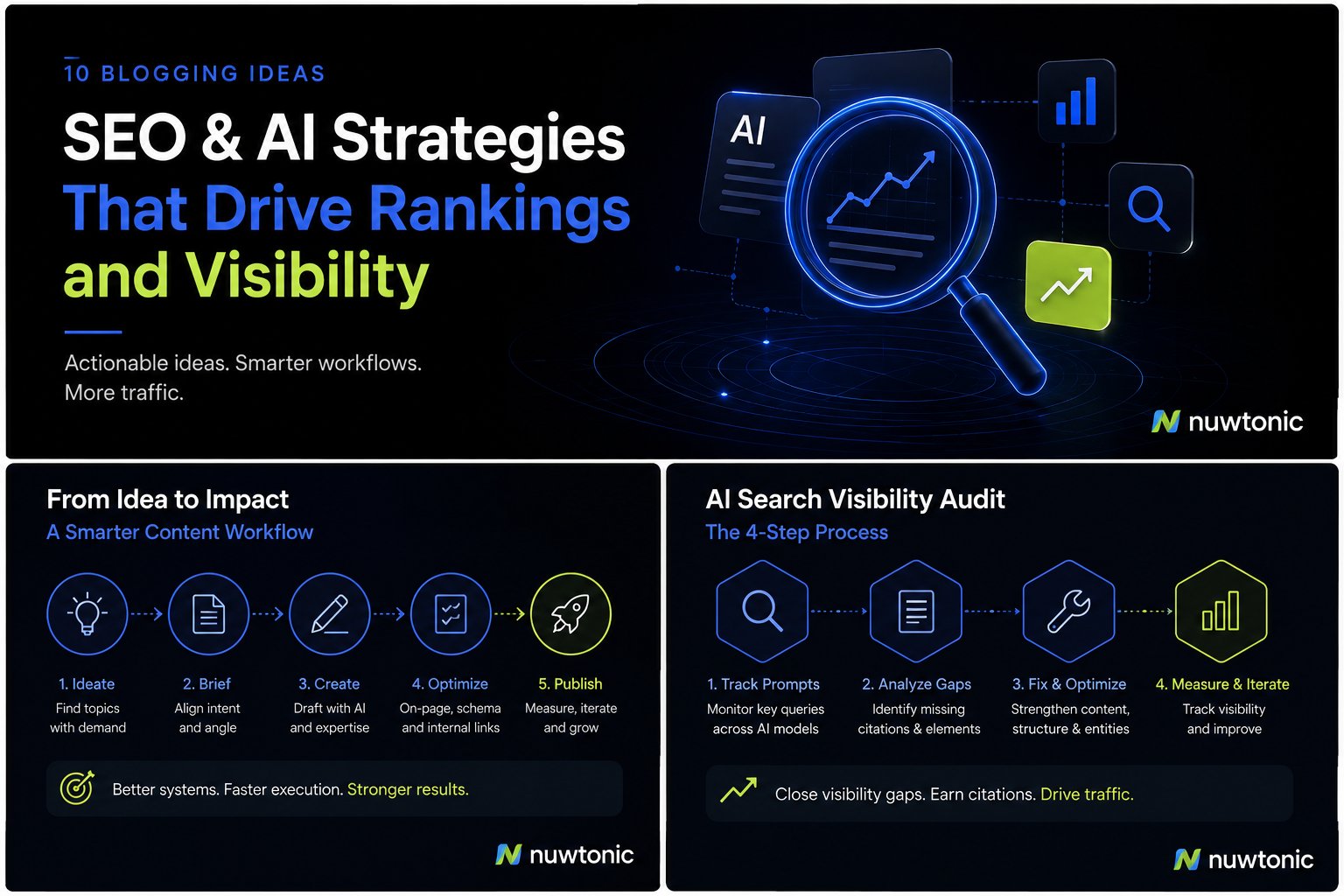
10 Ideas for Blogging: AI-Driven SEO and Content Strategies
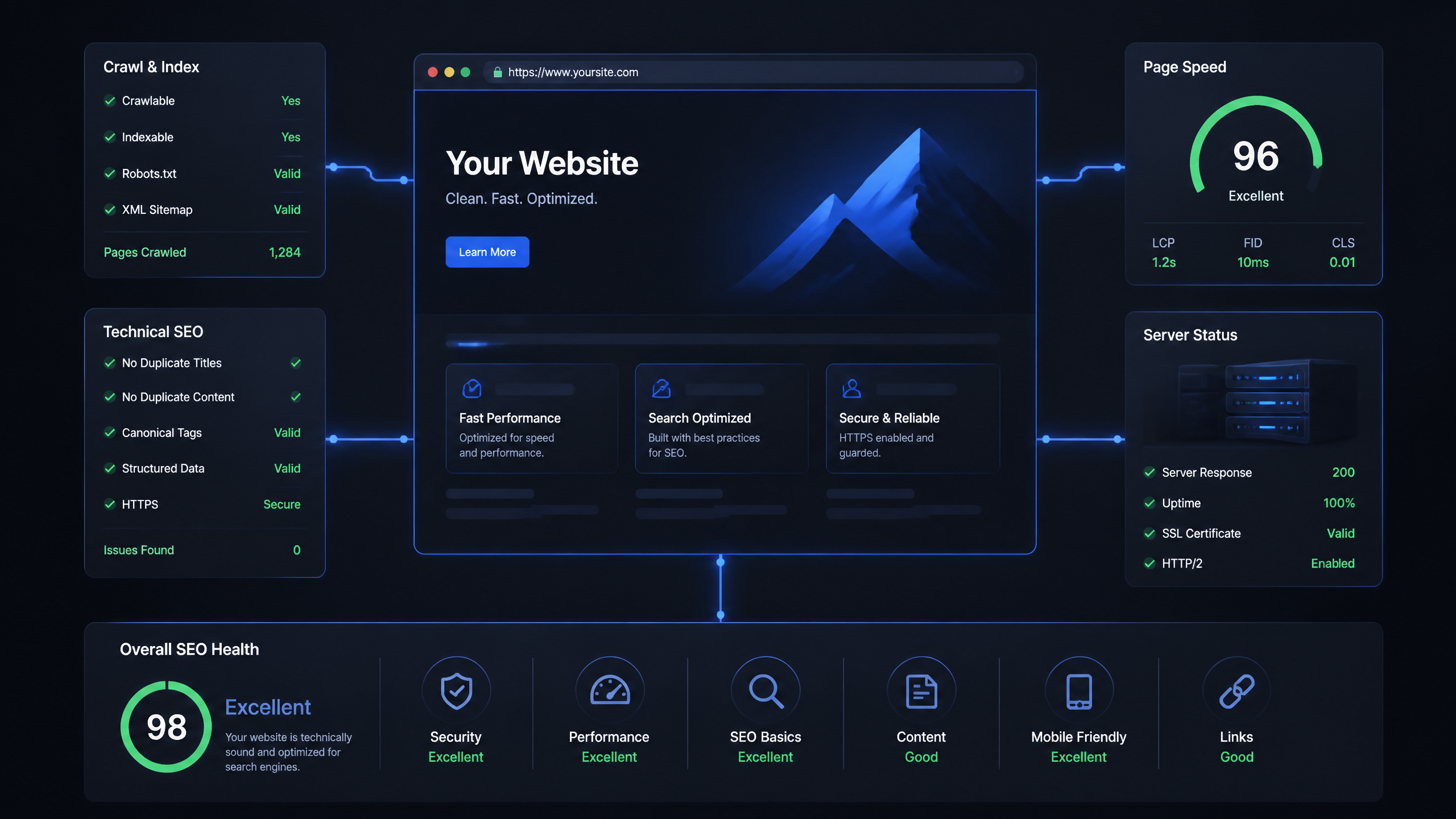
Technical SEO Ranking Factors: Hands On Guide

Technical SEO Types: Core Pillars of Site Health

Technical SEO for SaaS: A to Z Hands On Playbook
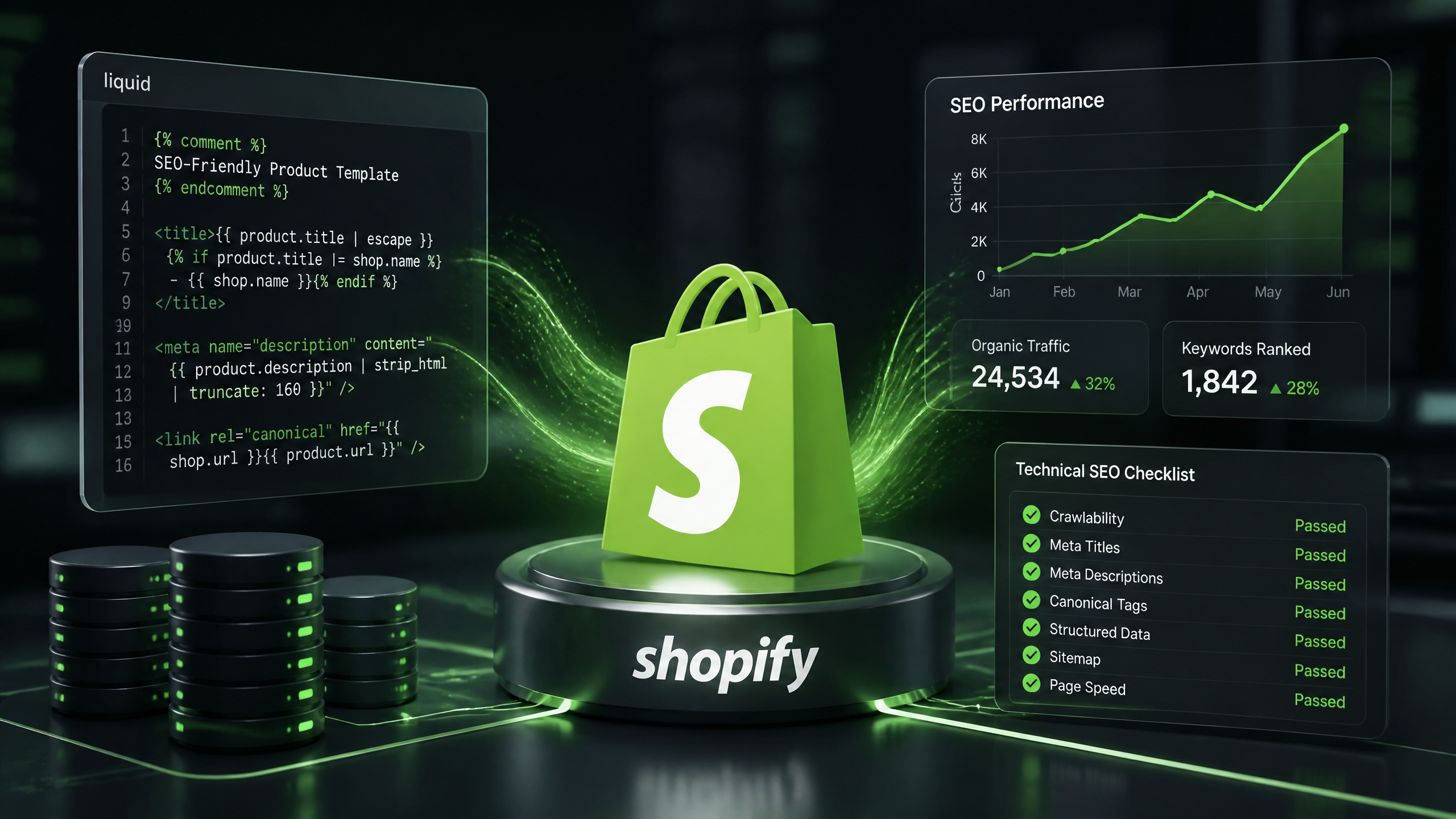
Technical SEO for Shopify: The No-Nonsense Playbook