
We are launching on AppSumo soon. Join the waitlist to get first access to our best lifetime deal, plus an additional insane early-bird bonus offer.
- Early deal-live alert so you can act before the crowd
- Priority onboarding request link for faster time-to-value
- Exclusive Week-1 SEO and GEO execution checklist
Founder-list bonuses are limited and sent only to confirmed subscribers. No spam. We only send launch updates and deal access details.
Free AI Alt Text Generator
Turn any image into SEO-ready descriptive text instantly. Our AI analyzes your visuals to create perfect alt attributes for accessibility and search.
Why Use Nuwtonic's AI Alt Text Tool?
Our generator uses advanced computer vision models trained specifically for SEO. We ensure your alt text isn't just a generic description, but a strategic asset that helps search engines index your content correctly.
What is an AI Alt Text Generator?
An AI alt text generator is a tool that uses machine learning to 'see' an image and describe its contents in text form. This text is then used as the 'alt' attribute in HTML, making the image accessible to search bots and screen readers.
How to Generate SEO Alt Text
Upload the image you want to optimize.
Select your preferred output language.
Generate an AI-powered alt text suggestion instantly.
Review, copy, and paste the description into your CMS.
Analyzing Your Generated Text
Visual accuracy
The AI prioritizes the main subjects and actions in the image.
Contextual relevance
Descriptions are tailored to be useful for both users and search engines.
Length optimization
Text is kept concise to ensure it isn't truncated by screen readers.
What Is an Image Alt Text Generator, Really?
The Core Purpose of Alt Text to an Image
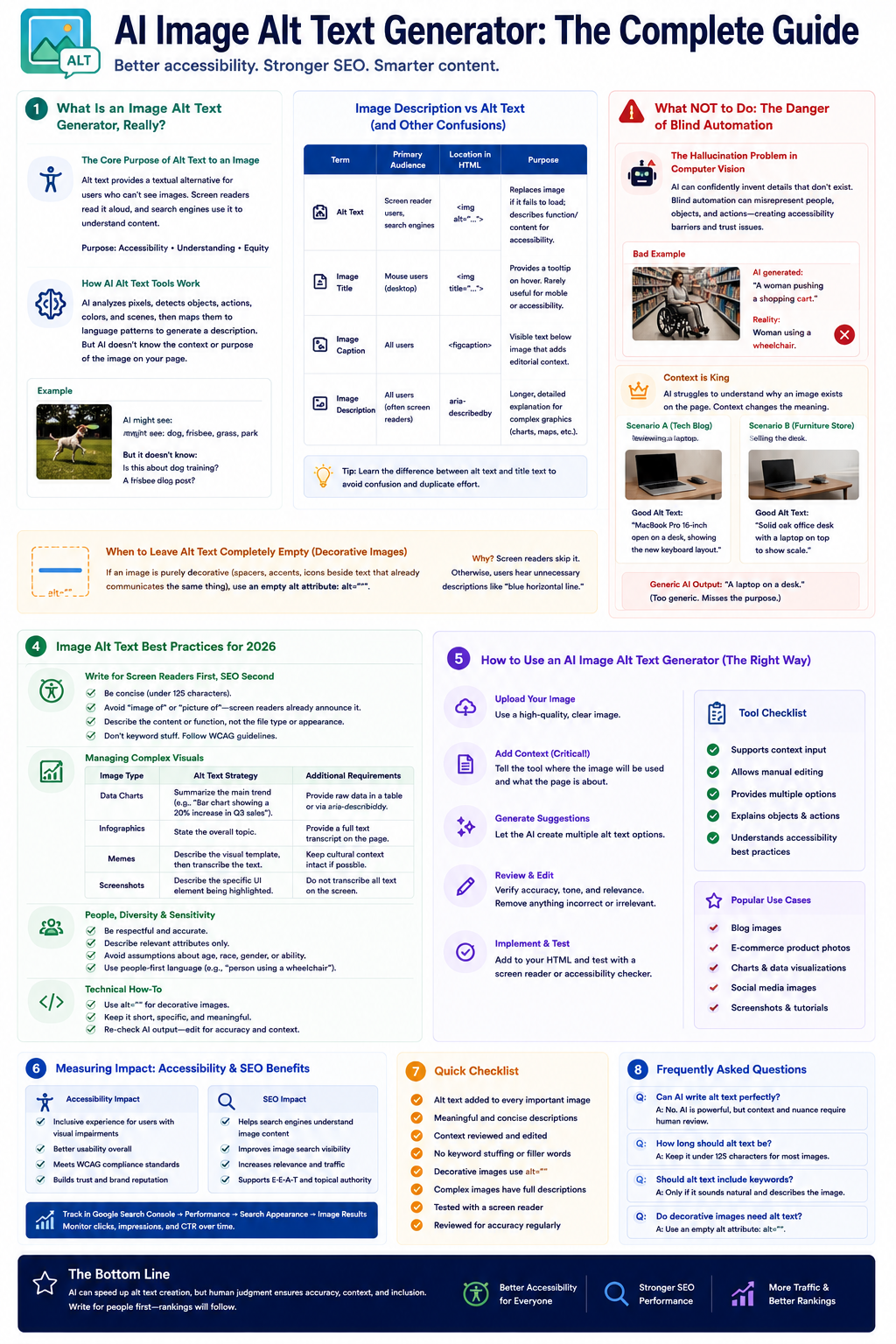
As an accessibility specialist with over eight years of experience digging through semantic HTML, I can tell you that the fundamental purpose of alt text to an image is equity. We use the alt attribute to provide a textual alternative for users relying on assistive technologies. When a screen reader encounters an image, it reads this text aloud, bridging the visual gap. An image alt text generator is simply an automation layer built on top of this requirement. It uses computer vision models to analyze the pixels of an image, identify objects and actions, and output a descriptive string of text. But here is the critical distinction: identifying objects is not the same as providing context.
How AI Alt Text Tools Actually Work Under the Hood
Modern generators do not just "see" an image; they map visual data to linguistic patterns. When you upload a photo to an AI image alt text generator, the system breaks the image into recognizable vectors—identifying a dog, a frisbee, and a park.
However, the AI does not inherently know why that image is on your page. Is it an article about dog training? A product page for the frisbee? This is where raw automation falls short. Most people underestimate the importance of context in alt text—it's not just about describing the image but conveying its purpose within the surrounding content.
Image Description vs Alt Text (and Other Confusions)
One of the most common hurdles I face when training content teams is untangling the terminology. Let's break down the differences clearly.
| Term | Primary Audience | Location in HTML | Purpose |
|---|---|---|---|
| Alt Text | Screen reader users, Search engines | <img alt="..."> | Replaces the image if it fails to load; describes function/content for accessibility. |
| Image Title | Mouse users (desktop) | <img title="..."> | Provides a tooltip on hover. Rarely useful for mobile or accessibility. |
| Image Caption | All users | <figcaption> | Visible text below an image that adds editorial context not obvious in the image itself. |
| Image Description | All users (often screen readers) | aria-describedby | A longer, detailed explanation for complex graphics (like charts) that exceed alt text limits. |
If you are still fuzzy on the nuances, I highly recommend reading up on the Difference between alt text and title text to ensure you aren't duplicating effort or frustrating users.
What NOT to Do: The Danger of Blind Automation
The Hallucination Problem in Computer Vision
You know what really gets me? When digital marketing teams plug their entire media library into an AI tool, hit "auto-generate," and walk away. I've seen too many tools that promise to automate alt text generation without considering user needs, which can lead to more confusion than clarity. AI models hallucinate. They confidently invent details that do not exist. I once audited an e-commerce site where an automated tool tagged a model sitting in a wheelchair as "a woman pushing a shopping cart." For a screen reader user trying to buy accessible clothing, that error is entirely alienating.
When relying on AI, you must be aware of the limits of medical imaging AI accuracy studies and general computer vision error rates. The technology is impressive, but it is not infallible.
Context is King: Why AI Struggles with Meaningful Images
Let's look at a practical scenario. Imagine a photograph of a laptop on a wooden desk.
- Scenario A: The image is on a tech blog reviewing the laptop. The generated alt text should be: "MacBook Pro 16-inch open on a desk, showing the new keyboard layout."
- Scenario B: The image is on a furniture store's website selling the desk. The alt text should be: "Solid oak office desk with a laptop on top to show scale."
A generic AI image alt text generator will likely just output: "A laptop on a desk." It misses the semantic HTML context entirely.
When to Leave Alt Text Completely Empty (Decorative Images)
Fair warning: not every image deserves alt text. If an image is purely decorative—like a stylistic swoosh, a background pattern, or an icon placed next to text that already says exactly what the icon represents—you must use an empty alt attribute (alt="").
If you force an AI to generate alt text for a decorative spacer graphic, the screen reader will read "blue horizontal line" to the user. That is visual clutter translated into auditory spam. The best alt text is often the simplest—overthinking it just adds unnecessary complexity.
Image Alt Text Best Practices for 2026
Writing for Screen Readers First, SEO Second
Search engines use alt text to understand image content, which helps with image search rankings. However, treating the alt attribute as a keyword dumping ground is a direct violation of WCAG (Web Content Accessibility Guidelines).
Accessibility is not a ranking factor you can game; it is a user right you must respect.
When writing or generating alt text, prioritize the user experience. Keep it concise (typically under 125 characters), avoid redundant phrases like "image of" or "picture of" (the screen reader already announces it as an image), and focus on the action or information being conveyed.
Managing Complex Visuals: Charts, Infographics, and Memes
Complex images require a strategic approach. An AI image alt text generator will struggle to summarize a 10-point infographic accurately.
| Image Type | Alt Text Strategy | Additional Requirements |
|---|---|---|
| Data Charts | Summarize the main trend (e.g., "Bar chart showing a 20% increase in Q3 sales"). | Provide the raw data in a visible table or via aria-describedby. |
| Infographics | State the overall topic. | Provide a full text transcript on the same page. |
| Memes | Describe the visual template, then transcribe the text. | Keep the cultural context intact if possible. |
| Screenshots | Describe the specific UI element being highlighted. | Do not just transcribe all text on the screen. |
How to Write Alt Text for Images for SEO Without Keyword Stuffing
So, how to write alt text for images for SEO while staying accessible? It requires balance. If your target keyword naturally describes the image, use it. If it doesn't, leave it out.
For example, if your keyword is "best running shoes 2026" and the image shows a pair of Nike Pegasus shoes on a track:
- Bad: best running shoes 2026 buy running shoes cheap running shoes
- Good: A runner wearing Nike Pegasus running shoes on a red outdoor track.
To scale this properly, you should leverage dedicated Image SEO tools that analyze your alt text against both accessibility standards and search intent.
Image Alt Text Generator at Bulk for WordPress, Shopify, Webflow, and API
Unlock sitewise alt text generation via API and webhooks, and auto-apply optimizations directly to your CMS.
Bulk Image Alt Text
Automatically process your entire media library with context-aware AI.
Seamless CMS Auto-Apply
Push generated alt text directly to WordPress, Shopify, Webflow, or via API.
Using AI to Create Alt Text for Images: Free Tools vs. Pro Solutions
ChatGPT and Gemini: The Free Way to Do It
Many teams use AI to create alt text for images by manually uploading files to ChatGPT or Google Gemini. You can use a prompt like: "Act as an accessibility expert. Write concise, WCAG-compliant alt text for this image based on the context of [insert page topic]."
This method is accessible and completely free. However, when you upload proprietary images to free AI models, you must consider third-party disclosure regulations. Never upload images containing sensitive customer data, unreleased products, or internal company documents to public AI tools.
Limitations and Pros/Cons of Free AI Generators
| Feature | Free AI (ChatGPT/Gemini) | Dedicated AI Alt Text Generators |
|---|---|---|
| Cost | Free (or low subscription) | Paid (usually tiered by volume) |
| Workflow | Highly manual (upload, copy, paste) | Automated via API or CMS plugin |
| Context Awareness | High (if you write a good prompt) | Medium to High (depends on CMS integration) |
| Bulk Processing | Impossible or very tedious | Built-in feature |
Furthermore, when using free tools, you bear the burden of defining common knowledge and verifying facts. If the AI misidentifies a brand logo in your image, you are responsible for that error.
Scaling Up: Bulk Image Alt Text Generators for WordPress and Shopify
When you manage an e-commerce catalog with 10,000 SKUs, manual entry is impossible. This is where a bulk image alt text generator becomes essential.
Tools designed for CMS platforms (like an AI image alt text generator for WP or a Shopify bulk edit alt text images app) scan your media library, generate suggestions, and allow you to approve them in batches. For instance, Nuwtonic can generate image alt text at bulk directly within your workflow, analyzing technical SEO issues while ensuring your alt attributes are fully optimized. This approach saves hundreds of hours while maintaining the necessary human oversight.
Building a Human-in-the-Loop Accessibility Workflow
Why Human Review is Non-Negotiable for WCAG Compliance
Let me be completely straightforward: AI cannot make your website legally compliant on its own. Accessibility requires empathy, and AI has none.
A "human-in-the-loop" workflow means the AI generates the first draft, but a human approves it before it goes live. This ensures that decorative images are left blank, complex images are given proper context, and brand voice remains consistent.
Integrating Alt Text Generation into Your CMS
To build a sustainable workflow, integrate the generation step directly into your publishing pipeline.
- Upload: Content editor uploads an image to the CMS.
- Generate: The CMS pings the AI API, sending the image and the surrounding paragraph text for context.
- Review: The AI populates the alt text field with a draft.
- Edit/Approve: The editor tweaks the text for accuracy and saves the post.
Quality Assurance and Accessibility Audits
Even with a perfect workflow, things slip through the cracks. You must conduct regular accessibility audits. Use automated scanning tools to find missing alt attributes, but also perform manual user testing with actual screen readers (like NVDA or VoiceOver).
If you aren't sure where to start with auditing, check out our guide on Alt text validation tools to find the right software for your stack.
AI Alt Text FAQ
What is alt text for images?
Alt text (alternative text) is a hidden HTML attribute applied to image tags. Its primary purpose is to describe the image's content and function to users who cannot see it, typically those using screen readers.
Can I generate image alt text in bulk for WordPress or Shopify?
Yes. There are several dedicated plugins and platforms that function as a bulk image alt text generator. They analyze your media library and auto-populate the alt fields. However, you should always utilize a platform that allows for manual review before saving the changes to your live database.
Does generated alt text help with SEO?
Yes, provided it is accurate. Search engines rely on alt text to understand the context of an image, which can help your page rank for relevant queries and improve your visibility in Google Image Search. Just avoid keyword stuffing.
Try our other free SEO and AI tools
We have gathered some of our free tools that might help you in your SEO efforts.
Filter what tools to see
Free Meta Title Generator
Generate high-CTR title tags optimized for Google search results using AI-driven templates.
Free Keyword Clustering Tool
Group related keywords into clear topic clusters and build a stronger topical SEO plan.
AI Overview Keyword Finder
Detect keywords that trigger AI overviews and assess citation opportunities with volatility signals.
Low Competition Keyword Finder
Find weak SERPs, forum-heavy opportunities, and keywords where lower-authority sites can still win.
Reddit Keyword Finder
Extract recurring questions, pain points, and buying intent patterns from Reddit and forums.
Question Keyword Tool
Find FAQ-style keywords and common user questions.
Buyer Intent Keyword Finder
Specifically filters for commercial and transactional keywords.
Zero Search Volume Keyword Finder
Uncovers emerging or hidden keywords that traditional volume tools miss.
Free SEO Title Length Checker
Check if your page titles fit within pixel limits to avoid truncation.
Free Meta Description Generator
Create compelling meta descriptions that summarize your content and boost click-through rates.
Free Meta Description Length Checker
Check if your meta descriptions fit within pixel limits to avoid truncation.
Free Google SERP Preview Tool
Simulate how your page title and meta description may appear in Google search results.
Free Schema Markup Checker
Validate your structured data to ensure it is readable by search engines and error-free.
Free Rich Results Test
Determine if your page is eligible for rich results in Google Search with our validation tool.
Free Alt Text Checker
Identify missing, empty, or duplicate alt text values across images.
Free Image Filename Generator
Convert plain text into SEO-friendly, hyphenated image filenames.
Free On-Page SEO Audit Tool
Run an on-page SEO audit for SEO services pages, technical SEO audit checks, and SEO optimization improvements.
Free H1 Tag Checker
Identify the presence and content of H1 heading tags on any webpage.
Free Heading Structure Checker
Audit your H1-H6 tags to ensure a logical and SEO-friendly document structure.
Free Canonical URL Checker
Identify declared canonical URLs and analyze canonical-related signals on any page.
Free EEAT Audit Tool
Analyze your content for Google's Experience, Expertise, Authoritativeness, and Trustworthiness signals.
Free AIO & GEO Audit Tool
Optimize your content for AI Overviews and Search Generative Experience with a detailed formatting audit.
Free Broken Link Checker
Scan a page to identify links that return error responses or cannot be reached.
Free Redirect Checker
Analyze URL redirection behavior to identify redirect types and destination URLs.
Latest SEO and AI related articles
Browse all articles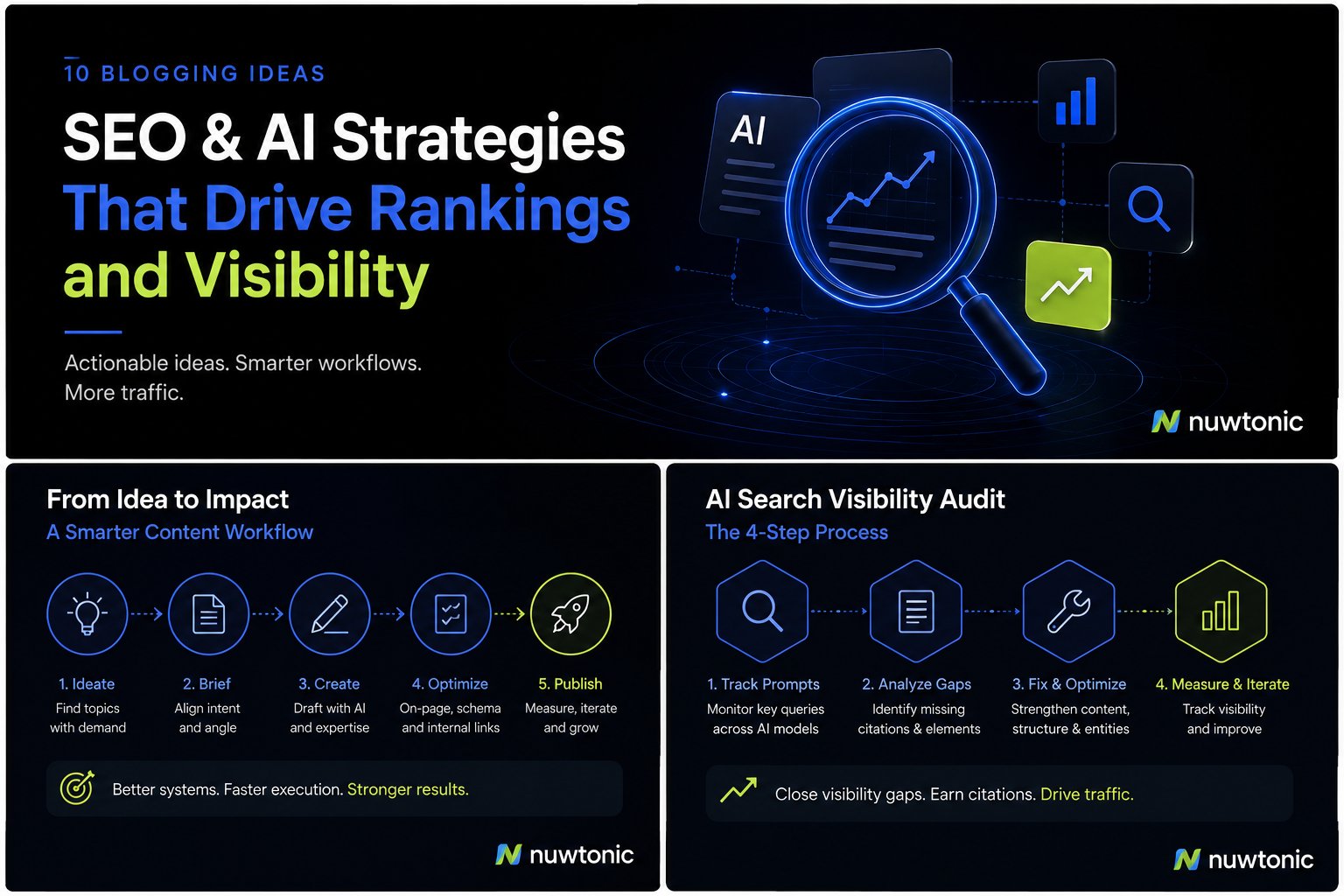
10 Ideas for Blogging: AI-Driven SEO and Content Strategies
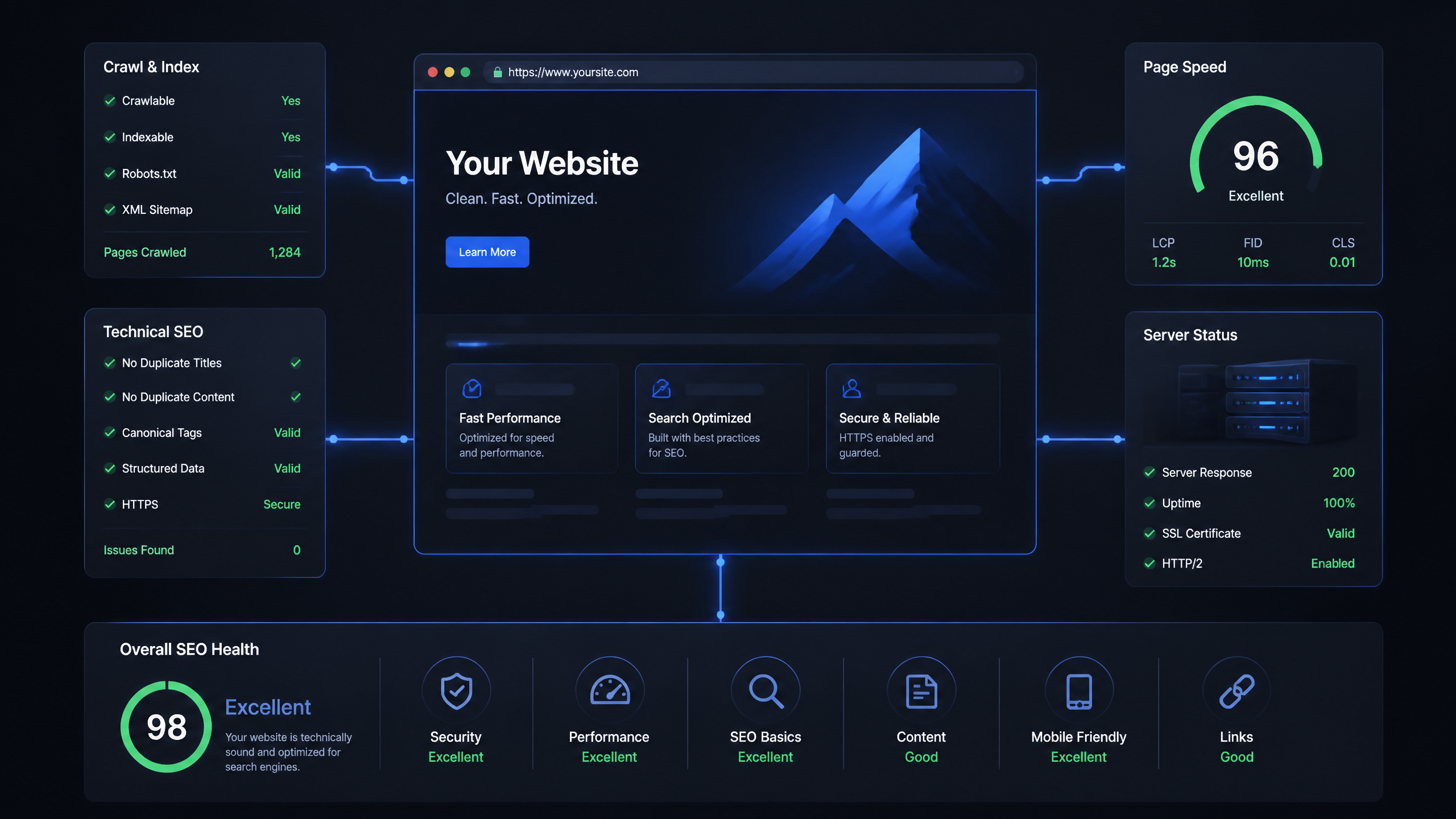
Technical SEO Ranking Factors: Hands On Guide

Technical SEO Types: Core Pillars of Site Health

Technical SEO for SaaS: A to Z Hands On Playbook
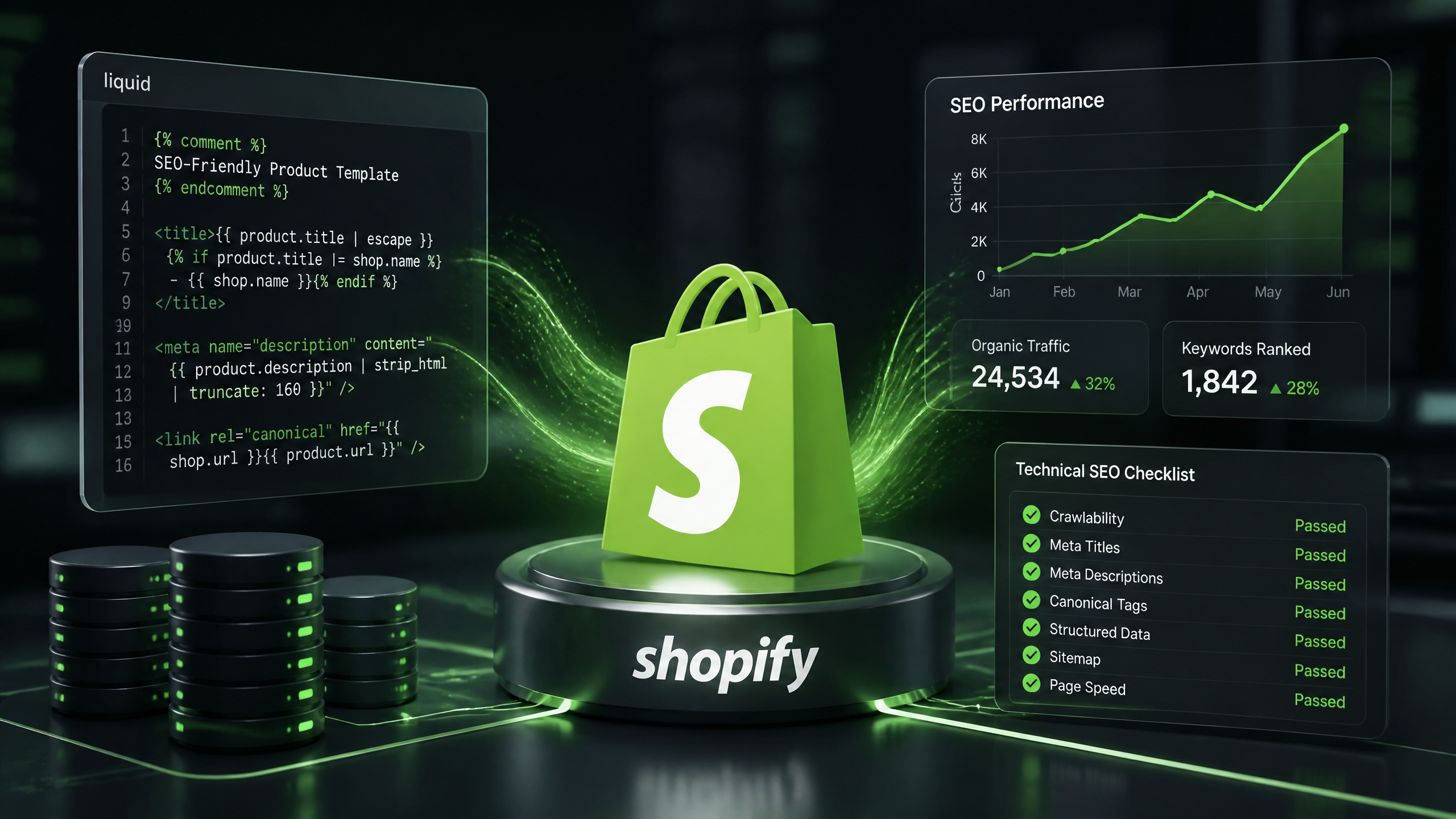
Technical SEO for Shopify: The No-Nonsense Playbook