
We are launching on AppSumo soon. Join the waitlist to get first access to our best lifetime deal, plus an additional insane early-bird bonus offer.
- Early deal-live alert so you can act before the crowd
- Priority onboarding request link for faster time-to-value
- Exclusive Week-1 SEO and GEO execution checklist
Founder-list bonuses are limited and sent only to confirmed subscribers. No spam. We only send launch updates and deal access details.
Free Rich Results Test
Win more space in search results. Audit your structured data to see if you qualify for Google's rich snippets, star ratings, FAQs, and enhanced SERP features.
What Are Rich Results and How Do They Work?
Defining Rich Results
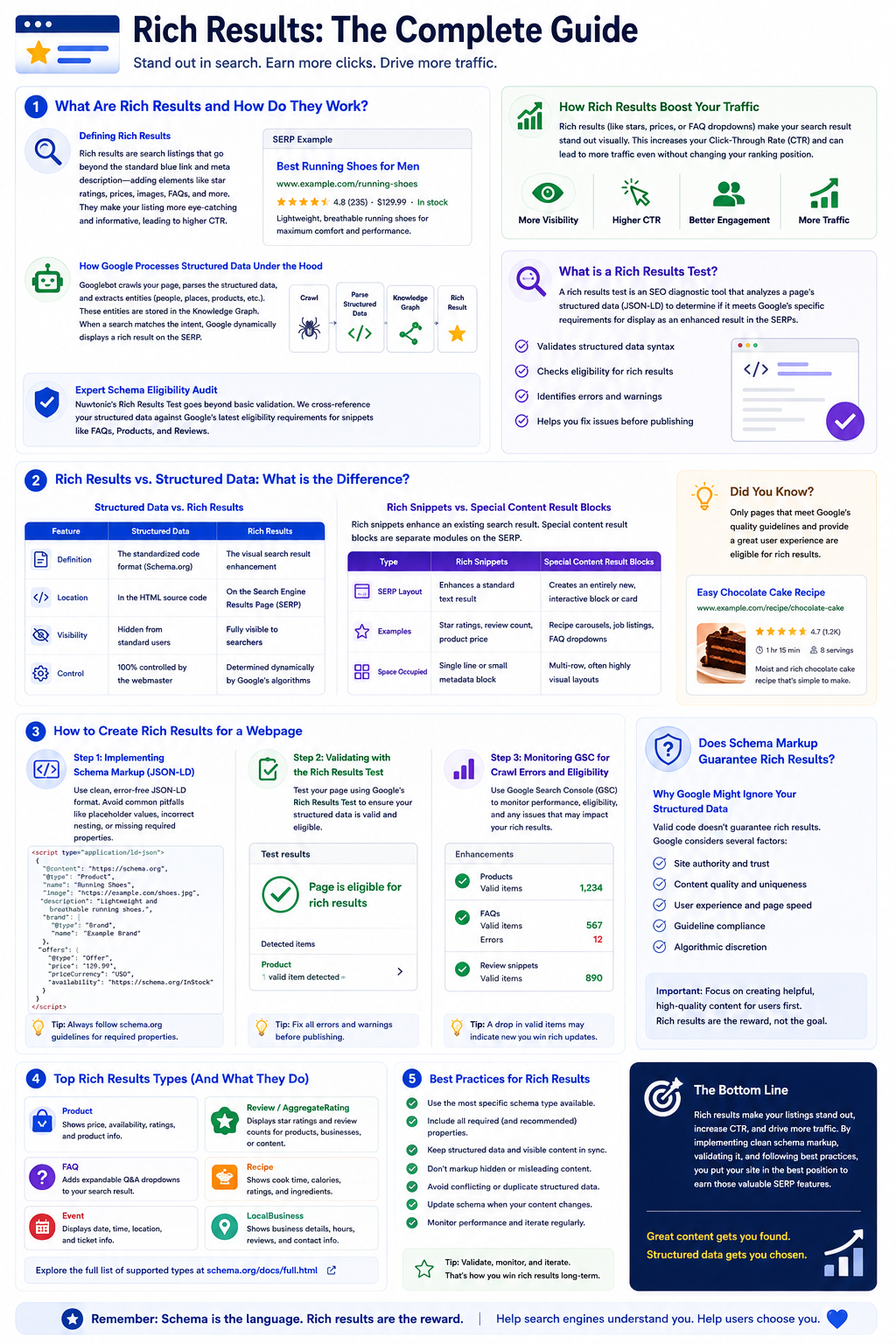
To understand what rich results are and how they work, we must first look at how search engines have evolved. In the early days of SEO, search results were flat, uniform lines of blue text. Today, search engine results pages are highly dynamic, visual environments. Rich results are any search listings that go beyond the standard blue link and meta description—incorporating elements like star ratings, product availability, pricing, recipe cook times, or interactive carousels. Many people overlook the importance of schema markup — it's not just a nice-to-have, it's essential for rich results. Without this underlying code, Google's crawlers are left to guess the context of your content. By explicitly labeling your data, you bridge the gap between human language and machine understanding.
How Google Processes Structured Data Under the Hood
When Googlebot crawls a webpage, it parses the HTML document looking for specific semantic signals. This is where semantic search comes into play. Instead of merely indexing keywords, Google attempts to understand the entities on your page—such as a person, a place, an organization, or a product—and the relationships between them. If your page contains valid structured data, Google's extraction engine parses the code and places the structured entities into its Knowledge Graph. From there, Google's search delivery algorithms evaluate the searcher's intent. If the intent matches the structured entities on your page, Google dynamically constructs a rich result on the SERP.
Expert Schema Eligibility Audit
Nuwtonic's Rich Results Test goes beyond basic validation. We cross-reference your structured data against Google's latest eligibility requirements for snippets like FAQs, Products, and Reviews, helping you fix issues before you publish.
How Rich Results Boost Your Traffic
Rich results (like stars, prices, or FAQ dropdowns) make your search result stand out visually. This increases your Click-Through Rate (CTR) and can lead to more traffic even without changing your ranking position.
What is a Rich Results Test?
A rich results test is an SEO diagnostic tool that analyzes a page's structured data (JSON-LD) to determine if it meets Google's specific requirements for display as an enhanced result in the SERPs.
Rich Results vs. Structured Data: What is the Difference?
I often see sites neglecting their structured data, which can lead to missed opportunities for visibility and engagement. Part of the problem is a fundamental confusion about the terminology. Many marketers use the terms "structured data" and "rich results" interchangeably, but they are entirely different concepts. Structured data is the input; a rich result is the output.
| Feature | Structured Data | Rich Results |
|---|---|---|
| Definition | The standardized code format (Schema.org) | The visual search result enhancement |
| Location | In the HTML source code | On the Search Engine Results Page (SERP) |
| Visibility | Hidden from standard users | Fully visible to searchers |
| Control | 100% controlled by the webmaster | Determined dynamically by Google's algorithms |
Rich Snippets vs. Special Content Result Blocks
Another point of confusion is how a rich snippet relates to a special content result block. A rich snippet is an enhancement of an existing, standard search result—like adding review stars beneath a standard meta description. On the other hand, special content result blocks are entirely separate modules on the SERP, such as interactive job search blocks, local pack maps, or recipe carousels that sit independently of organic blue links.
| Type | Rich Snippets | Special Content Result Blocks |
|---|---|---|
| SERP Layout | Enhances a standard text result | Creates an entirely new, interactive block or card |
| Examples | Star ratings, review count, product price | Recipe carousels, job listings, FAQ dropdowns |
| Space Occupied | Single line or small metadata block | Multi-row, often highly visual layouts |
How to Create Rich Results for a Webpage
Step 1: Implementing Schema Markup (JSON-LD)
Before you write a single line of code, let's outline some common pitfalls. I frequently see developers copy-pasting generic schema templates from the web, leaving placeholder values intact, or nesting schemas incorrectly—like placing a Product schema inside an Article schema without any logical connection. This leads to critical crawl errors that disqualify the page entirely. To avoid these pitfalls, you should use dedicated schema tools to generate clean, syntax-perfect JSON-LD. JSON-LD is Google's preferred format because it separates the semantic data from the visual HTML layout, making it cleaner to maintain and less prone to breaking during design updates.
Step 2: Validating with the Rich Results Test
Once your JSON-LD is generated and placed in the <head> or <body> of your webpage, you must validate it. Do not assume your code is perfect just because your page looks fine on your browser. You should run your URL or raw code block through the official rich results test. This tool will parse your markup and explicitly tell you which rich result types were detected, whether there are any warnings (optional fields missing), or if there are critical errors (required fields missing) that will prevent display.
Step 3: Monitoring GSC for Crawl Errors and Eligibility
After deploying your validated code, you must monitor its performance over time. Google Search Console (GSC) is your command center for this. Inside GSC, you will find dedicated enhancement reports for every type of schema you have implemented (e.g., Products, FAQs, Merchant Listings). Keep a close eye on these reports. A sudden drop in eligible URLs usually indicates that a site update has broken your structured data templates, resulting in crawl errors that strip your rich results from the SERPs.
Does Schema Markup Guarantee Rich Results?
Why Google Might Ignore Your Structured Data
You know, it's funny how often I see developers perfectly format their JSON-LD, only for the marketing team to block search bots in robots.txt or fail Google's quality guidelines. Having 100% valid code does not guarantee that Google will display rich results for your webpage. Google's algorithms evaluate several non-technical factors before granting these visual upgrades:
- Site Authority and Trust: New or low-trust sites are often denied rich results until they establish credibility.
- Content Relevance: If your schema claims a page is a "Recipe" but the page is actually an e-commerce product category, Google will ignore the markup and may penalize the site for spammy structured data.
- Searcher Intent: Google dynamically decides if a rich result serves the user's immediate query. If they believe a simple text snippet is better, they will show that instead.
How Long for Google Rich Results to Appear After an Update?
If you have recently updated your structured data, do not expect to see changes on the SERPs instantly. The timeline depends entirely on Google's crawl frequency for your specific site. For high-traffic news sites, updates can appear within minutes. For smaller, less authoritative blogs, it can take anywhere from a few days to several weeks. To speed up this process, always submit your updated URLs directly through GSC's "Request Indexing" feature after validating your code.
Does the Rich Results Test Trigger a Google Crawl?
It is a common misconception that running a URL through the testing tool forces Google to update its index. It does not. The testing tool fetches the live HTML of the page in real-time to analyze the code, but this is an isolated sandbox environment. It does not trigger a permanent recrawl or update Google's search index. You must still request a crawl via GSC to push those changes live.
Do the Majority of SERPs Include Rich Results?
SERP Feature Prevalence in 2026
As search engines push for highly interactive layouts, rich results have become the norm rather than the exception. Recent search industry studies indicate that over 60% of commercial and informational search queries now feature at least one type of rich result or special content block on the first page. For transactional queries—like searching for physical products—that number climbs past 80%.
Do Rich Results Increase Click-Through Rate? (What the Studies Say)
In my experience, testing different formats for rich snippets can significantly boost CTR, but many just stick to the basics. I remember a past project for an e-commerce client where we spent weeks refining their product schema—adding real-time stock availability, price drops, and nested review aggregates. Within a month, their organic click-through rate shot up by 28%, resulting in a massive revenue lift without any increase in baseline rankings.
| Schema Type | Average CTR Increase | Core User Benefit |
|---|---|---|
| Product (Price, Stock) | 15% - 25% | Instant price and availability transparency |
| Review / Rating | 20% - 35% | Visual social proof directly in search results |
| FAQ Schema | 10% - 15% | Expanded real estate and direct answers on the SERP |
| Recipe | 30% - 50% | High visual appeal with images, cook times, and calories |
To visualize how these enhancements will look before they go live, you can use the Google SERP preview tool to test different title, description, and rich snippet variations.
Rich Snippet Audit Scope
This tool evaluates supported schema types, required and optional properties, eligibility errors, and specific warnings related to Google's display standards.
How to Audit Your Rich Results
Enter your page URL or paste your schema code directly.
Run the test to analyze your structured data eligibility.
Check for critical errors that prevent your rich snippets from showing.
Fix warnings to improve the quality of your search appearance.
Understanding Your Eligibility Status
Eligible
Great! Your page meets all requirements for enhanced results in Google.
Errors found
Critical issues are present. Google will not show rich results for this page until fixed.
Warnings found
Your page is eligible, but adding optional properties could improve its appearance.
Detected types
Specific rich result categories (e.g., FAQ, Article) identified on your page.
Audit Disclaimer
Eligibility is not a guarantee of display. Google ultimately decides which rich results to show based on the user's query and the quality of the page.
Frequently Asked Questions About Rich Results
Common Technical Queries Answered
Does the Google Rich Results Test show images?
Yes, the tool displays a rendered screenshot of the page as Googlebot sees it, allowing you to verify if your visual assets and structured images are fully accessible to the crawler.
What is one difference between rich results and structured data?
Structured data is the standardized code implemented on your website's backend, whereas rich results are the visual, interactive search listings displayed on Google's frontend SERPs.
Can invalid schema markup hurt my rankings?
While minor validation warnings won't hurt your organic rankings, severe, manipulative, or spammy structured data violations can lead to manual actions from Google, stripping your site of all rich result eligibility.
Try our other free SEO and AI tools
We have gathered some of our free tools that might help you in your SEO efforts.
Filter what tools to see
Free Meta Title Generator
Generate high-CTR title tags optimized for Google search results using AI-driven templates.
Free Keyword Clustering Tool
Group related keywords into clear topic clusters and build a stronger topical SEO plan.
AI Overview Keyword Finder
Detect keywords that trigger AI overviews and assess citation opportunities with volatility signals.
Low Competition Keyword Finder
Find weak SERPs, forum-heavy opportunities, and keywords where lower-authority sites can still win.
Reddit Keyword Finder
Extract recurring questions, pain points, and buying intent patterns from Reddit and forums.
Question Keyword Tool
Find FAQ-style keywords and common user questions.
Buyer Intent Keyword Finder
Specifically filters for commercial and transactional keywords.
Zero Search Volume Keyword Finder
Uncovers emerging or hidden keywords that traditional volume tools miss.
Free SEO Title Length Checker
Check if your page titles fit within pixel limits to avoid truncation.
Free Meta Description Generator
Create compelling meta descriptions that summarize your content and boost click-through rates.
Free Meta Description Length Checker
Check if your meta descriptions fit within pixel limits to avoid truncation.
Free Google SERP Preview Tool
Simulate how your page title and meta description may appear in Google search results.
Free Schema Markup Checker
Validate your structured data to ensure it is readable by search engines and error-free.
Free Alt Text Checker
Identify missing, empty, or duplicate alt text values across images.
Free AI Alt Text Generator
Generate descriptive, accessibility-compliant alt text for your images instantly.
Free Image Filename Generator
Convert plain text into SEO-friendly, hyphenated image filenames.
Free On-Page SEO Audit Tool
Run an on-page SEO audit for SEO services pages, technical SEO audit checks, and SEO optimization improvements.
Free H1 Tag Checker
Identify the presence and content of H1 heading tags on any webpage.
Free Heading Structure Checker
Audit your H1-H6 tags to ensure a logical and SEO-friendly document structure.
Free Canonical URL Checker
Identify declared canonical URLs and analyze canonical-related signals on any page.
Free EEAT Audit Tool
Analyze your content for Google's Experience, Expertise, Authoritativeness, and Trustworthiness signals.
Free AIO & GEO Audit Tool
Optimize your content for AI Overviews and Search Generative Experience with a detailed formatting audit.
Free Broken Link Checker
Scan a page to identify links that return error responses or cannot be reached.
Free Redirect Checker
Analyze URL redirection behavior to identify redirect types and destination URLs.
Latest SEO and AI related articles
Browse all articles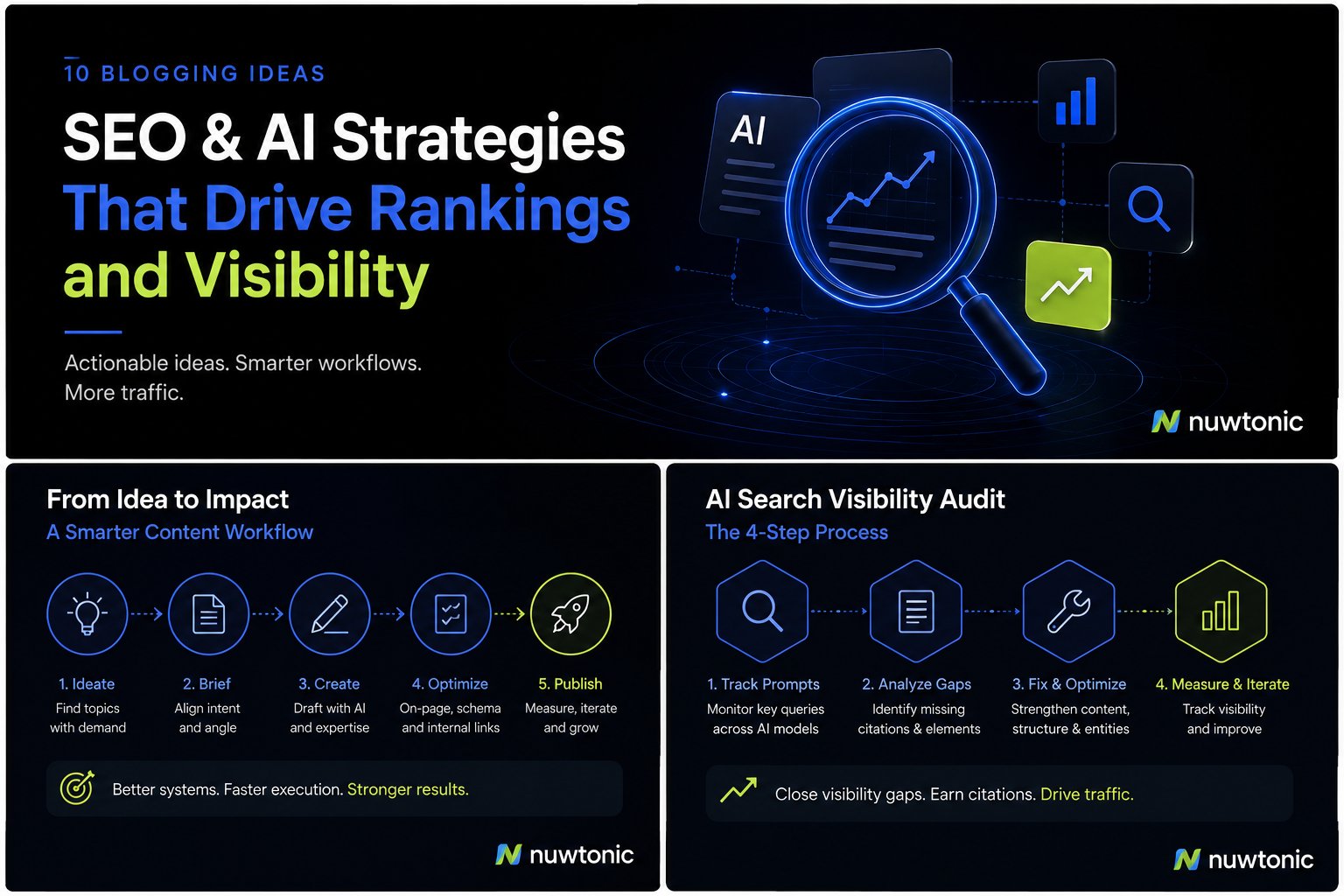
10 Ideas for Blogging: AI-Driven SEO and Content Strategies
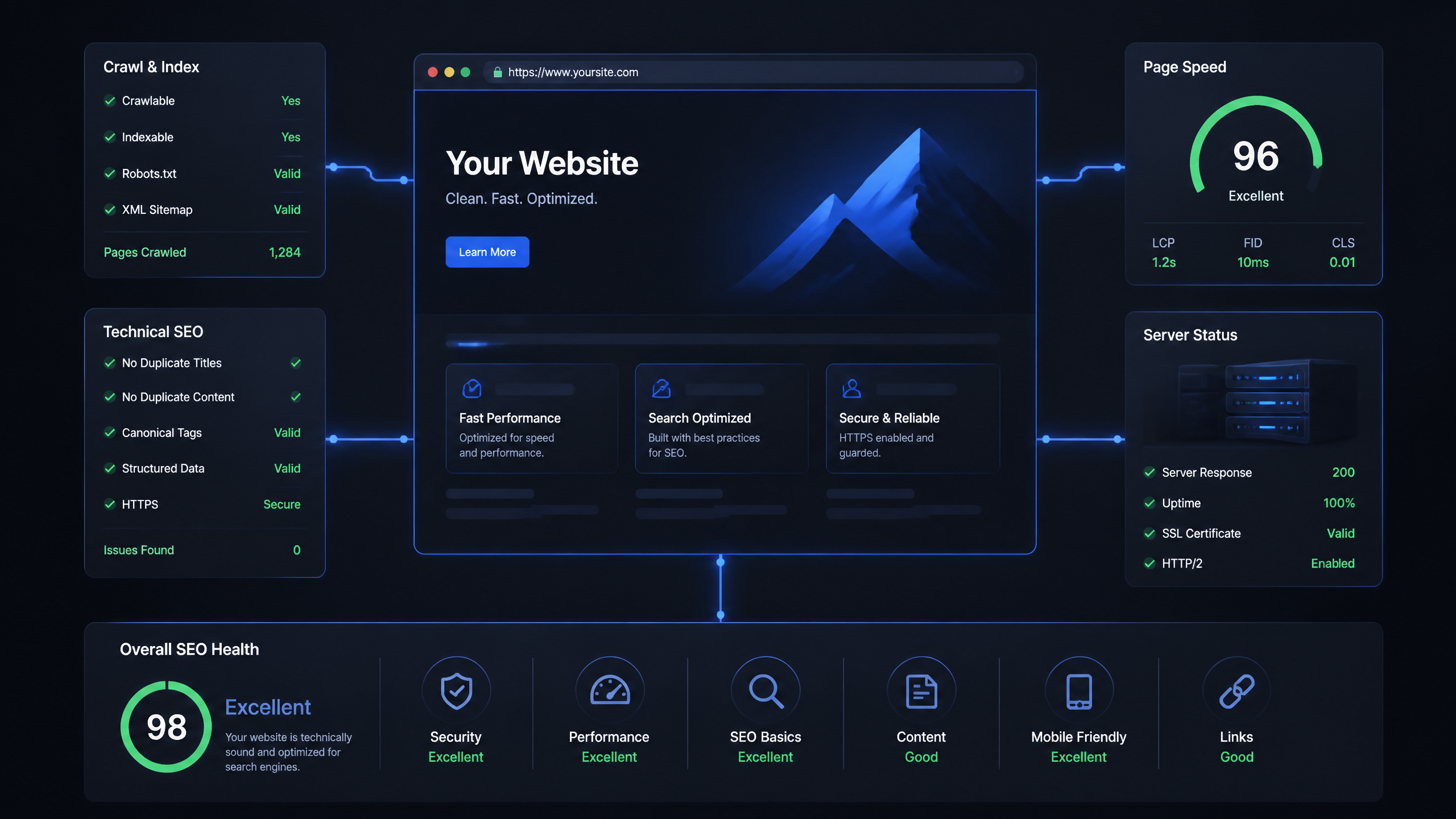
Technical SEO Ranking Factors: Hands On Guide

Technical SEO Types: Core Pillars of Site Health

Technical SEO for SaaS: A to Z Hands On Playbook
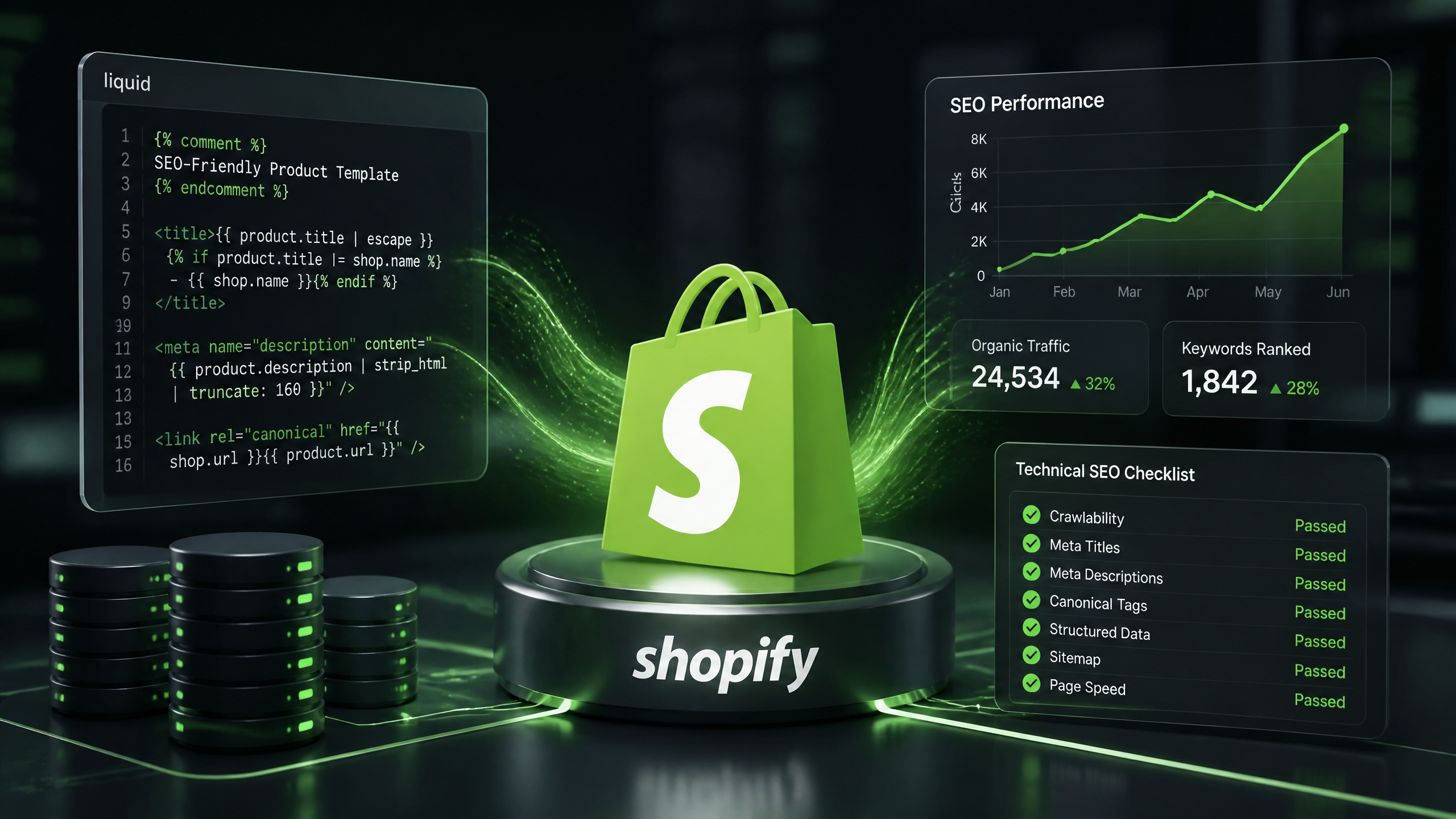
Technical SEO for Shopify: The No-Nonsense Playbook