
We are launching on AppSumo soon. Join the waitlist to get first access to our best lifetime deal, plus an additional insane early-bird bonus offer.
- Early deal-live alert so you can act before the crowd
- Priority onboarding request link for faster time-to-value
- Exclusive Week-1 SEO and GEO execution checklist
Founder-list bonuses are limited and sent only to confirmed subscribers. No spam. We only send launch updates and deal access details.
Free Image Filename Generator
Perfect your image SEO starting with the file itself. Convert any title into a clean, hyphenated, search-ready filename instantly.
Why Image Filenames Matter for SEO
Google uses filenames to understand the subject matter of an image. A file named 'IMG_1234.jpg' provides zero context, whereas 'blue-nike-running-shoes.jpg' tells crawlers exactly what the image contains, helping it rank in Image Search.
Recommended guides
Use these guides to fix the issues you found and improve your SEO performance.
Clean & Search-Ready Filenames
Nuwtonic's generator follows the exact naming conventions recommended by Google. We remove stop words, eliminate special characters, and use hyphens instead of underscores to ensure your images are indexed correctly in search results.
What is an Image Filename Generator?
An image filename generator is a utility that converts descriptive text or product names into a search-engine-friendly format. It automates the removal of special characters and replaces spaces with hyphens for better URL compatibility.
How to Create SEO Filenames
Upload your image file.
Choose your output language.
Click Generate SEO Filename to analyze image content with AI.
Copy the result and rename your image file before publishing.
Understanding the Output
Hyphenated format
We use hyphens (not underscores) as Google treats hyphens as word separators.
Lowercase conversion
Case-sensitivity can cause 404 errors on some servers; lowercase avoids this risk.
Stop word removal
We keep filenames concise by focusing only on the most relevant descriptive keywords.
Image Filename FAQ
Should I use hyphens or underscores in filenames?
Always use hyphens. Google sees a hyphen as a space, but an underscore as part of a single word, which hurts SEO.
Does Google use filenames for image search ranking?
Yes. Filenames are one of the core signals Google uses to determine the relevance of an image to a search query.
What is the ideal length for an image filename?
Keep it under 5-6 words. It should be descriptive enough to identify the image without being excessively long.
Should I include keywords in my image filenames?
Yes, include 1-3 descriptive keywords that accurately reflect what is shown in the image.
Is it okay to have numbers in filenames?
Numbers are fine, especially for SKUs or versions, but descriptive words are always better for organic search SEO.
Does changing filenames require a redirect?
If the image is already indexed, changing the filename will change its URL. For critical images, you should use a 301 redirect.
Try our other free SEO and AI tools
We have gathered some of our free tools that might help you in your SEO efforts.
Filter what tools to see
Free Meta Title Generator
Generate high-CTR title tags optimized for Google search results using AI-driven templates.
Free Keyword Clustering Tool
Group related keywords into clear topic clusters and build a stronger topical SEO plan.
AI Overview Keyword Finder
Detect keywords that trigger AI overviews and assess citation opportunities with volatility signals.
Low Competition Keyword Finder
Find weak SERPs, forum-heavy opportunities, and keywords where lower-authority sites can still win.
Reddit Keyword Finder
Extract recurring questions, pain points, and buying intent patterns from Reddit and forums.
Question Keyword Tool
Find FAQ-style keywords and common user questions.
Buyer Intent Keyword Finder
Specifically filters for commercial and transactional keywords.
Zero Search Volume Keyword Finder
Uncovers emerging or hidden keywords that traditional volume tools miss.
Free SEO Title Length Checker
Check if your page titles fit within pixel limits to avoid truncation.
Free Meta Description Generator
Create compelling meta descriptions that summarize your content and boost click-through rates.
Free Meta Description Length Checker
Check if your meta descriptions fit within pixel limits to avoid truncation.
Free Google SERP Preview Tool
Simulate how your page title and meta description may appear in Google search results.
Free Schema Markup Checker
Validate your structured data to ensure it is readable by search engines and error-free.
Free Rich Results Test
Determine if your page is eligible for rich results in Google Search with our validation tool.
Free Alt Text Checker
Identify missing, empty, or duplicate alt text values across images.
Free AI Alt Text Generator
Generate descriptive, accessibility-compliant alt text for your images instantly.
Free On-Page SEO Audit Tool
Run an on-page SEO audit for SEO services pages, technical SEO audit checks, and SEO optimization improvements.
Free H1 Tag Checker
Identify the presence and content of H1 heading tags on any webpage.
Free Heading Structure Checker
Audit your H1-H6 tags to ensure a logical and SEO-friendly document structure.
Free Canonical URL Checker
Identify declared canonical URLs and analyze canonical-related signals on any page.
Free EEAT Audit Tool
Analyze your content for Google's Experience, Expertise, Authoritativeness, and Trustworthiness signals.
Free AIO & GEO Audit Tool
Optimize your content for AI Overviews and Search Generative Experience with a detailed formatting audit.
Free Broken Link Checker
Scan a page to identify links that return error responses or cannot be reached.
Free Redirect Checker
Analyze URL redirection behavior to identify redirect types and destination URLs.
Latest SEO and AI related articles
Browse all articles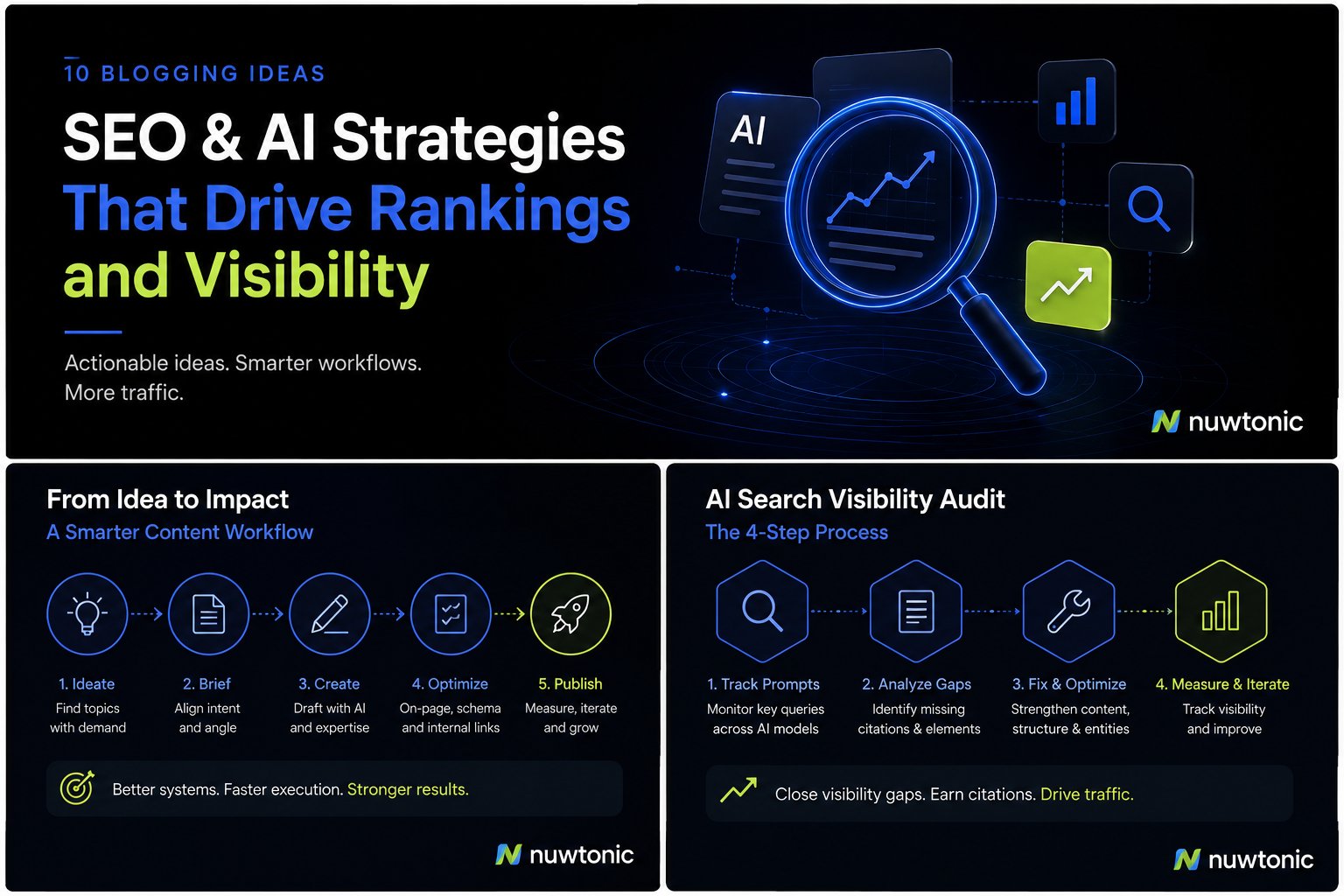
10 Ideas for Blogging: AI-Driven SEO and Content Strategies
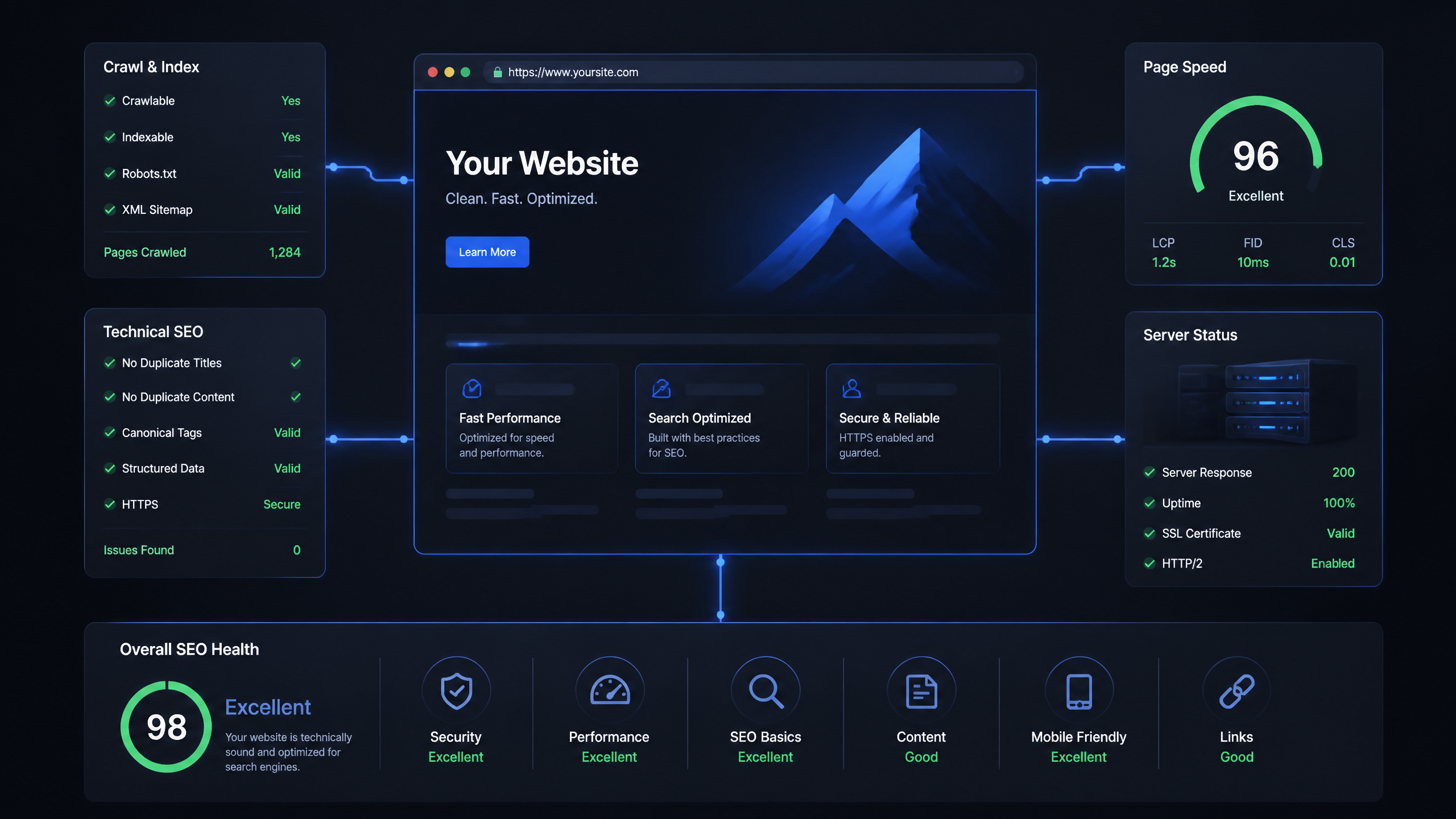
Technical SEO Ranking Factors: Hands On Guide

Technical SEO Types: Core Pillars of Site Health

Technical SEO for SaaS: A to Z Hands On Playbook

Technical SEO for Shopify: The No-Nonsense Playbook