
We are launching on AppSumo soon. Join the waitlist to get first access to our best lifetime deal, plus an additional insane early-bird bonus offer.
- Early deal-live alert so you can act before the crowd
- Priority onboarding request link for faster time-to-value
- Exclusive Week-1 SEO and GEO execution checklist
Founder-list bonuses are limited and sent only to confirmed subscribers. No spam. We only send launch updates and deal access details.
Free Meta Description Length Checker
Stop guessing and start measuring. Audit your meta descriptions for perfect display in Google's search result snippets.
Example Page Title - Your Website Name
Characters vs. Pixels in SEO
Google's search snippets are actually limited by pixel width (~960px on desktop), not just character count. A description with many capital letters or wide characters (like 'W') will truncate sooner than one with narrow characters (like 'i').
Recommended guides
Use these guides to fix the issues you found and improve your SEO performance.
Precision Snippet Auditing
Nuwtonic's Length Checker uses real-time pixel rendering to calculate exactly how much space your description will take. Unlike basic character counters, we account for font widths and Google's standard display limits for 2025.
What is a Meta Description Length Checker?
A meta description length checker is a diagnostic SEO tool that evaluates your snippet's length against search engine display standards. it provides instant feedback on whether your text will be fully visible or cut off.
How to Audit Your Description Length
Enter your meta description or import it from a live URL.
Check the live character count and pixel width indicators.
Ensure your result says 'Within Range' for desktop display.
Adjust your text to fit within the ~155-160 character safe zone.
Understanding Your Length Results
Within range
Your description is optimized and likely to display fully in search results.
Potential Truncation
Your text exceeds the recommended limit and may be shortened with '...' by Google.
Pixel width
The actual space your text occupies, which is the most accurate measure for SEO.
Description Length FAQ
What is the character limit for meta descriptions?
While there's no hard limit, Google typically truncates descriptions after 155-160 characters on desktop and about 120 on mobile.
Why is pixel width more important than character count?
Since different characters have different widths, a pixel-based limit is much more accurate for ensuring your full message is visible.
Should I make my meta descriptions as long as possible?
Not necessarily. Focus on providing a clear value proposition and a call-to-action within the first 120-130 characters for best results.
Does a short meta description hurt SEO?
No, but it's a missed opportunity to provide more context and keywords to the user before they click.
Can this tool check descriptions from my live website?
Yes! Use the 'Import from URL' tab to instantly audit any existing page on your site.
How do I optimize descriptions for mobile?
Keep your most important information at the beginning, as mobile devices often truncate snippets sooner than desktop browsers.
Try our other free SEO and AI tools
We have gathered some of our free tools that might help you in your SEO efforts.
Filter what tools to see
Free Meta Title Generator
Generate high-CTR title tags optimized for Google search results using AI-driven templates.
Free Keyword Clustering Tool
Group related keywords into clear topic clusters and build a stronger topical SEO plan.
AI Overview Keyword Finder
Detect keywords that trigger AI overviews and assess citation opportunities with volatility signals.
Low Competition Keyword Finder
Find weak SERPs, forum-heavy opportunities, and keywords where lower-authority sites can still win.
Reddit Keyword Finder
Extract recurring questions, pain points, and buying intent patterns from Reddit and forums.
Question Keyword Tool
Find FAQ-style keywords and common user questions.
Buyer Intent Keyword Finder
Specifically filters for commercial and transactional keywords.
Zero Search Volume Keyword Finder
Uncovers emerging or hidden keywords that traditional volume tools miss.
Free SEO Title Length Checker
Check if your page titles fit within pixel limits to avoid truncation.
Free Meta Description Generator
Create compelling meta descriptions that summarize your content and boost click-through rates.
Free Google SERP Preview Tool
Simulate how your page title and meta description may appear in Google search results.
Free Schema Markup Checker
Validate your structured data to ensure it is readable by search engines and error-free.
Free Rich Results Test
Determine if your page is eligible for rich results in Google Search with our validation tool.
Free Alt Text Checker
Identify missing, empty, or duplicate alt text values across images.
Free AI Alt Text Generator
Generate descriptive, accessibility-compliant alt text for your images instantly.
Free Image Filename Generator
Convert plain text into SEO-friendly, hyphenated image filenames.
Free On-Page SEO Audit Tool
Run an on-page SEO audit for SEO services pages, technical SEO audit checks, and SEO optimization improvements.
Free H1 Tag Checker
Identify the presence and content of H1 heading tags on any webpage.
Free Heading Structure Checker
Audit your H1-H6 tags to ensure a logical and SEO-friendly document structure.
Free Canonical URL Checker
Identify declared canonical URLs and analyze canonical-related signals on any page.
Free EEAT Audit Tool
Analyze your content for Google's Experience, Expertise, Authoritativeness, and Trustworthiness signals.
Free AIO & GEO Audit Tool
Optimize your content for AI Overviews and Search Generative Experience with a detailed formatting audit.
Free Broken Link Checker
Scan a page to identify links that return error responses or cannot be reached.
Free Redirect Checker
Analyze URL redirection behavior to identify redirect types and destination URLs.
Latest SEO and AI related articles
Browse all articles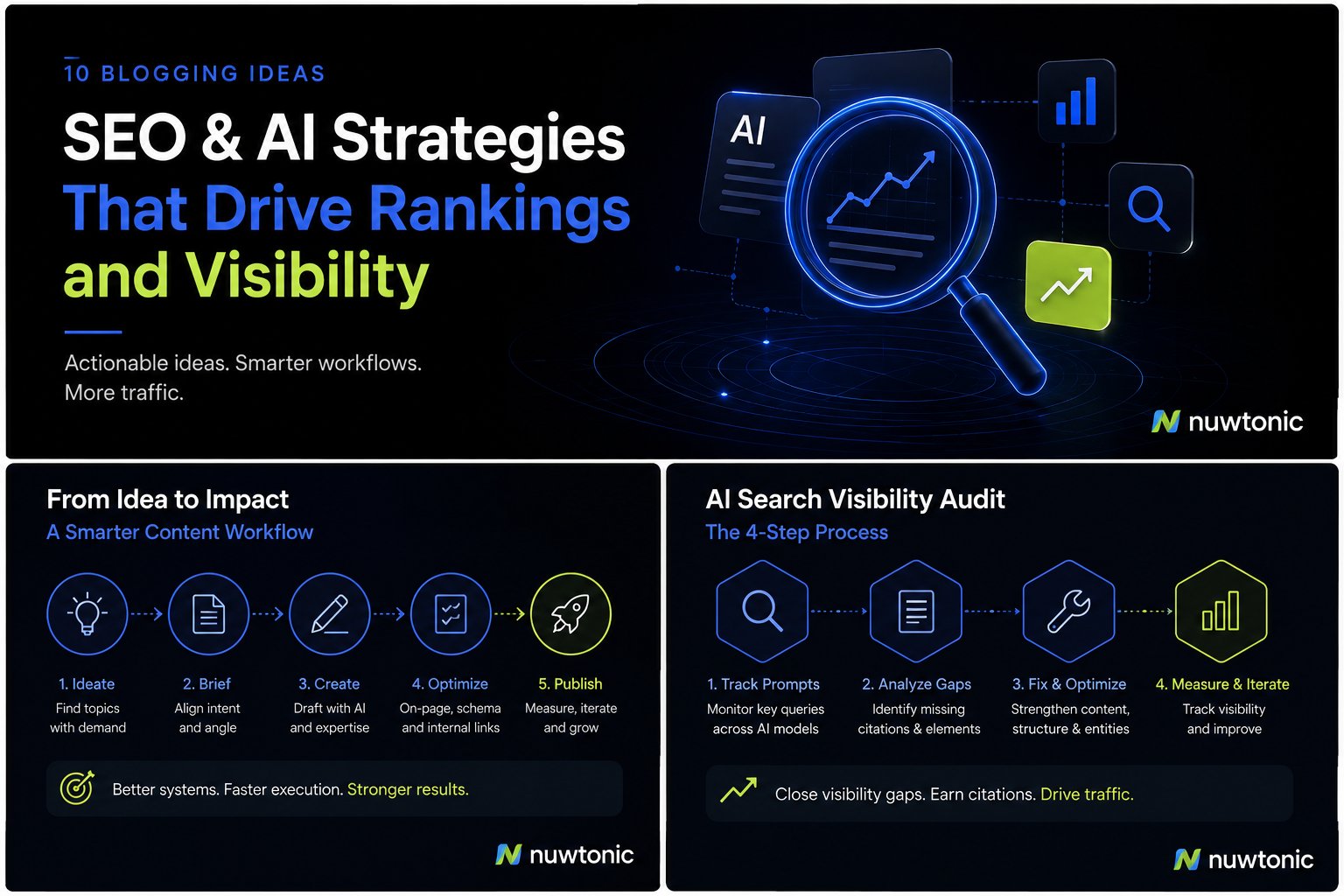
10 Ideas for Blogging: AI-Driven SEO and Content Strategies
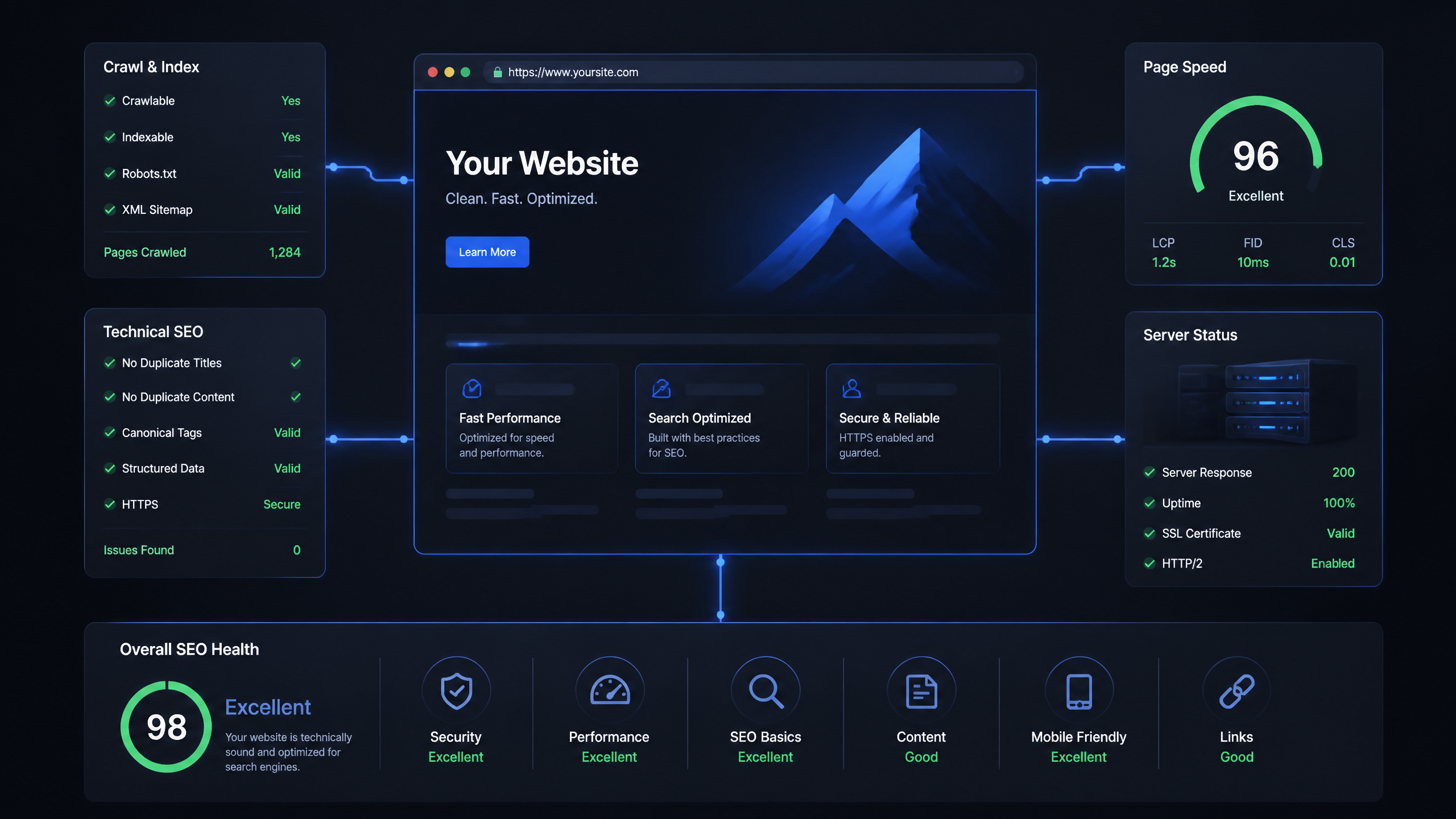
Technical SEO Ranking Factors: Hands On Guide

Technical SEO Types: Core Pillars of Site Health

Technical SEO for SaaS: A to Z Hands On Playbook

Technical SEO for Shopify: The No-Nonsense Playbook