
We are launching on AppSumo soon. Join the waitlist to get first access to our best lifetime deal, plus an additional insane early-bird bonus offer.
- Early deal-live alert so you can act before the crowd
- Priority onboarding request link for faster time-to-value
- Exclusive Week-1 SEO and GEO execution checklist
Founder-list bonuses are limited and sent only to confirmed subscribers. No spam. We only send launch updates and deal access details.
Free Heading Structure Checker
Visualize and fix your page's document outline. Ensure your H1-H6 tags follow a logical hierarchy for better search indexing.
Why Heading Hierarchy Matters for SEO
Headings act as a table of contents for search engines. A logical structure (H1 > H2 > H3) helps Google understand the relationship between different topics on your page and assign relevance correctly.
Recommended guides
Use these guides to fix the issues you found and improve your SEO performance.
Deep Hierarchy Analysis
Nuwtonic's Heading Checker provides a visual map of your page structure. We help you identify 'invisible' technical errors like skipped heading levels that confuse search crawlers and degrade accessibility.
What is a Heading Structure Checker?
A heading structure checker is a technical SEO audit tool that scans a page's HTML headers (H1 through H6) to verify they are used in a sequential, logical order that correctly outlines the content.
How to Audit Your Heading Hierarchy
Enter a page URL or paste your HTML markup.
Run the audit to generate a visual hierarchy map.
Check for red 'Skipped level' or 'Multiple H1' alerts.
Reorganize your headings to follow a sequential H1-H6 order.
Understanding Your Hierarchy Map
Logical structure
Headings follow a perfect sequential order (e.g., H1 followed by H2s).
Skipped level
A jump from H2 to H4 was found. This breaks the document outline.
Missing H1
No primary heading was found. This is a high-priority SEO issue.
Multiple H1s
More than one H1 was detected, which can confuse crawler priority.
Heading SEO FAQ
Can I skip heading levels (e.g., H2 to H4)?
No. You should always use headings in order. Skipping levels makes it harder for search engines and screen readers to understand your content hierarchy.
Does heading structure affect rankings?
Yes. A clear, logical structure helps Google better index your content, which can lead to better rankings for secondary keywords.
Should I use keywords in H2 and H3 tags?
Yes! Subheadings are excellent places to include related keywords and long-tail variations of your primary topic.
How many H2 tags should I have?
There is no limit, but you should use them naturally to break up content into logical, readable sections.
Is it okay to use headings for styling?
No. Headings should be used for document structure only. Use CSS for styling text that isn't a section title.
How do I fix heading issues in my CMS?
Most editors allow you to select a text block and change its 'Heading' level. Ensure your main title is H1 and subtopics are H2 or H3.
Try our other free SEO and AI tools
We have gathered some of our free tools that might help you in your SEO efforts.
Filter what tools to see
Free Meta Title Generator
Generate high-CTR title tags optimized for Google search results using AI-driven templates.
Free Keyword Clustering Tool
Group related keywords into clear topic clusters and build a stronger topical SEO plan.
AI Overview Keyword Finder
Detect keywords that trigger AI overviews and assess citation opportunities with volatility signals.
Low Competition Keyword Finder
Find weak SERPs, forum-heavy opportunities, and keywords where lower-authority sites can still win.
Reddit Keyword Finder
Extract recurring questions, pain points, and buying intent patterns from Reddit and forums.
Question Keyword Tool
Find FAQ-style keywords and common user questions.
Buyer Intent Keyword Finder
Specifically filters for commercial and transactional keywords.
Zero Search Volume Keyword Finder
Uncovers emerging or hidden keywords that traditional volume tools miss.
Free SEO Title Length Checker
Check if your page titles fit within pixel limits to avoid truncation.
Free Meta Description Generator
Create compelling meta descriptions that summarize your content and boost click-through rates.
Free Meta Description Length Checker
Check if your meta descriptions fit within pixel limits to avoid truncation.
Free Google SERP Preview Tool
Simulate how your page title and meta description may appear in Google search results.
Free Schema Markup Checker
Validate your structured data to ensure it is readable by search engines and error-free.
Free Rich Results Test
Determine if your page is eligible for rich results in Google Search with our validation tool.
Free Alt Text Checker
Identify missing, empty, or duplicate alt text values across images.
Free AI Alt Text Generator
Generate descriptive, accessibility-compliant alt text for your images instantly.
Free Image Filename Generator
Convert plain text into SEO-friendly, hyphenated image filenames.
Free On-Page SEO Audit Tool
Run an on-page SEO audit for SEO services pages, technical SEO audit checks, and SEO optimization improvements.
Free H1 Tag Checker
Identify the presence and content of H1 heading tags on any webpage.
Free Canonical URL Checker
Identify declared canonical URLs and analyze canonical-related signals on any page.
Free EEAT Audit Tool
Analyze your content for Google's Experience, Expertise, Authoritativeness, and Trustworthiness signals.
Free AIO & GEO Audit Tool
Optimize your content for AI Overviews and Search Generative Experience with a detailed formatting audit.
Free Broken Link Checker
Scan a page to identify links that return error responses or cannot be reached.
Free Redirect Checker
Analyze URL redirection behavior to identify redirect types and destination URLs.
Latest SEO and AI related articles
Browse all articles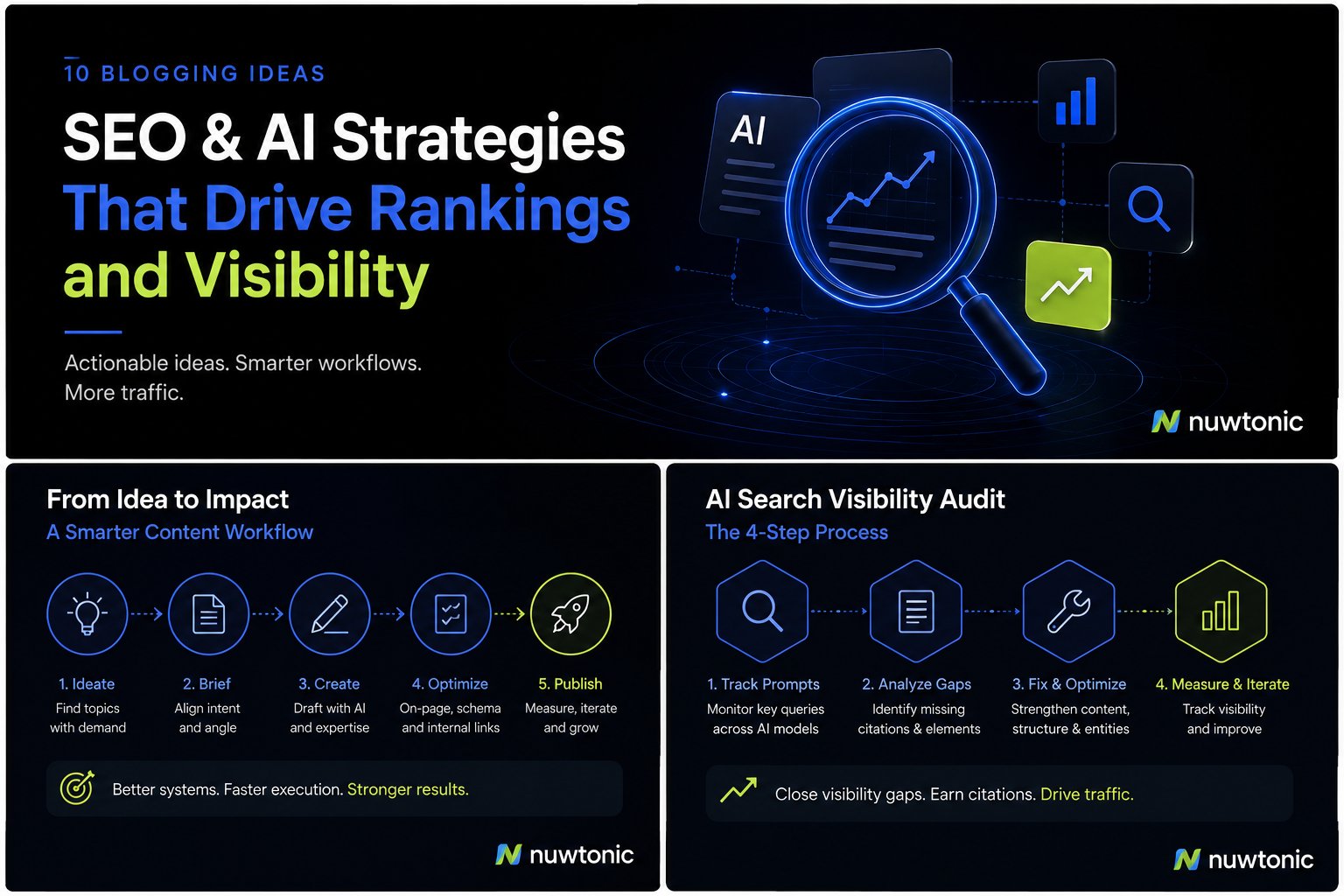
10 Ideas for Blogging: AI-Driven SEO and Content Strategies
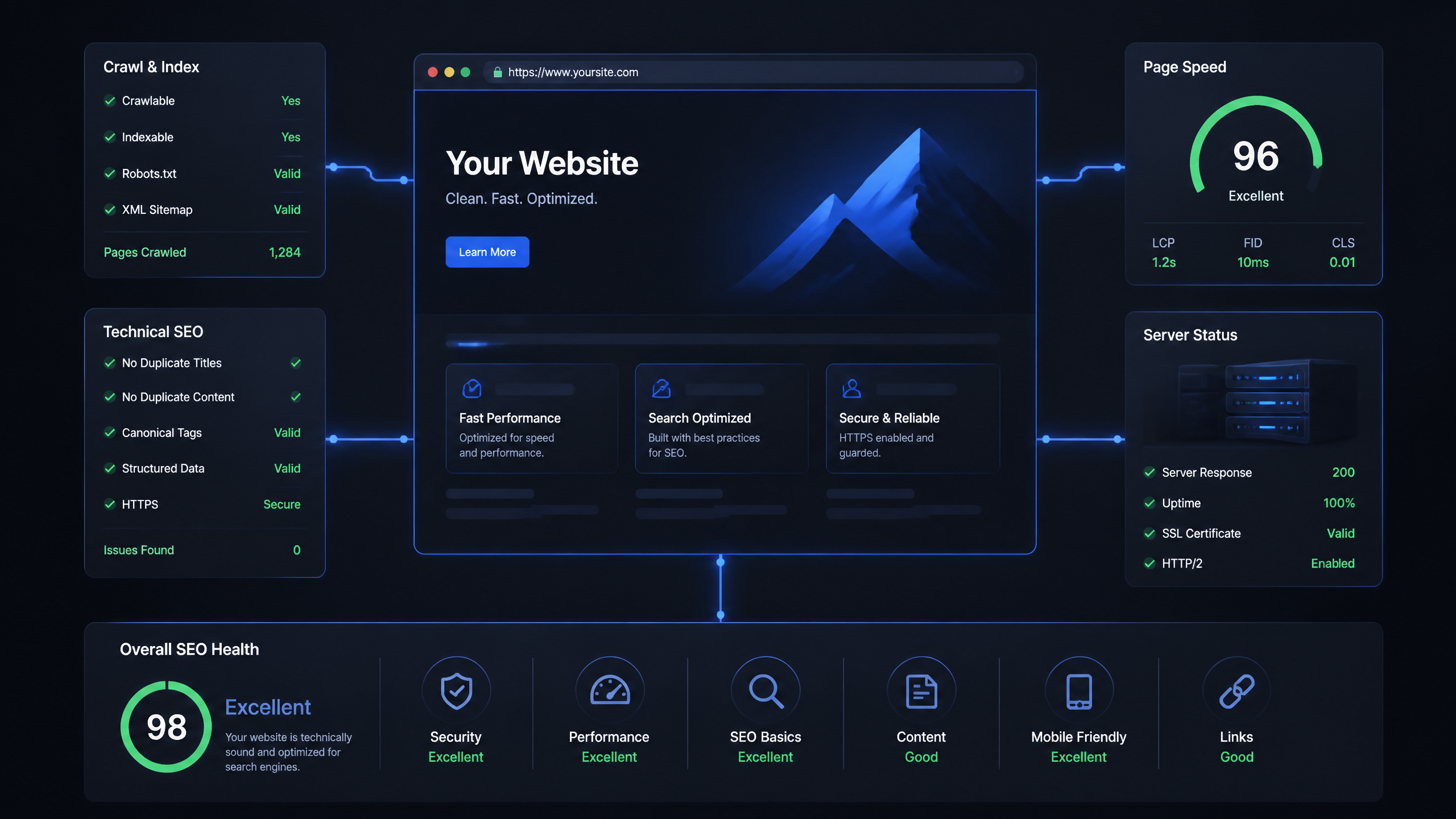
Technical SEO Ranking Factors: Hands On Guide

Technical SEO Types: Core Pillars of Site Health

Technical SEO for SaaS: A to Z Hands On Playbook

Technical SEO for Shopify: The No-Nonsense Playbook